
AI Catwalk Video Generator
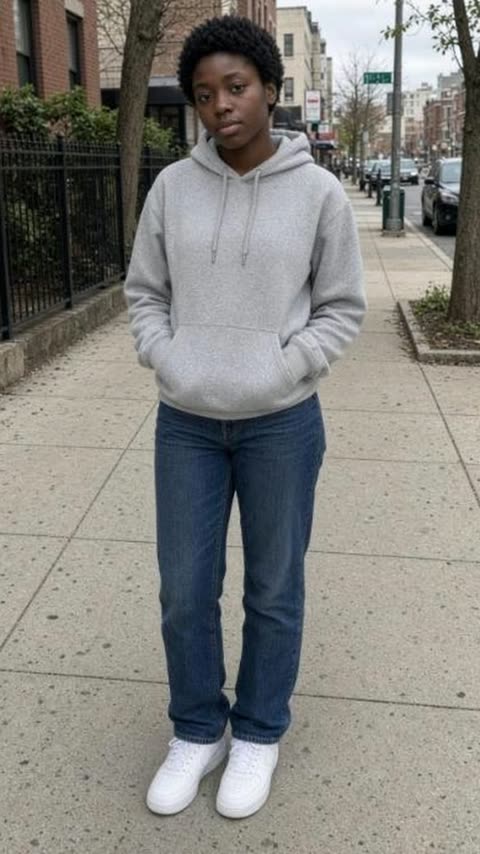
Upload one full-length photo and the AI puts you on a fashion-show runway: you walk toward the camera with a confident model stride, under spotlights and camera flashes, in your own outfit. A 5-second vertical clip in a few minutes; $4.99 buys two HD videos, paid once.
- 1 photo
- 5s
- 9:16 MP4
- With music
- 480p / 720p
- Ready in minutes
- 10 credits
Why not free? Every video costs us real compute, so you pay first. If it fails, the credits come back on their own. No subscription, and your photos are deleted within 24 hours.
Trending effects
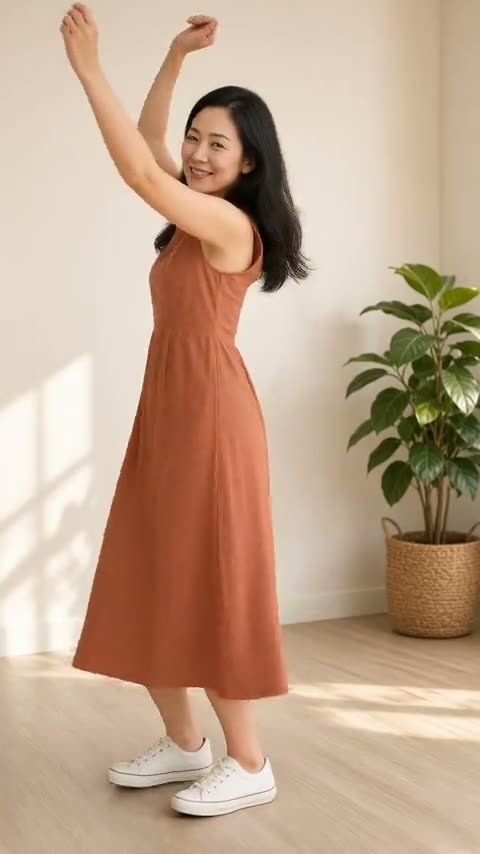 AI Dance Generator
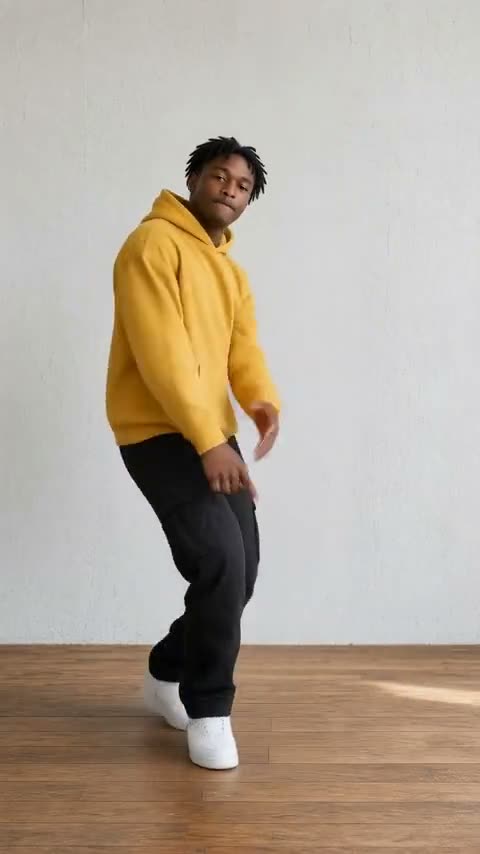 AI Dance
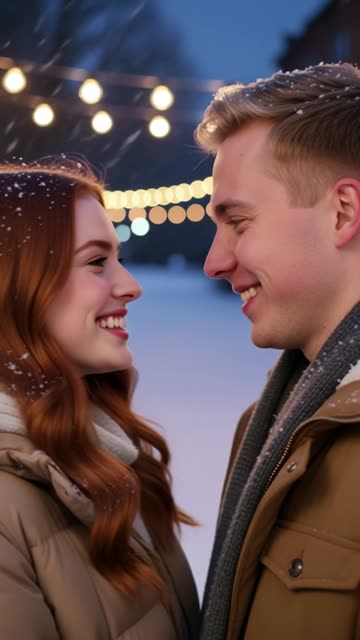 AI Kiss
 AI Cat Dance
 Hotel Lobby AI
 Tiny Desk AI
 AI Elf Dance
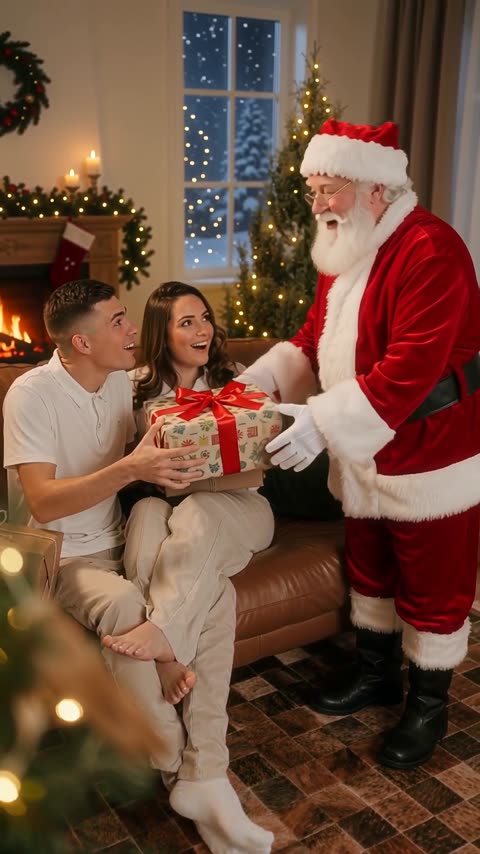 AI Santa Video
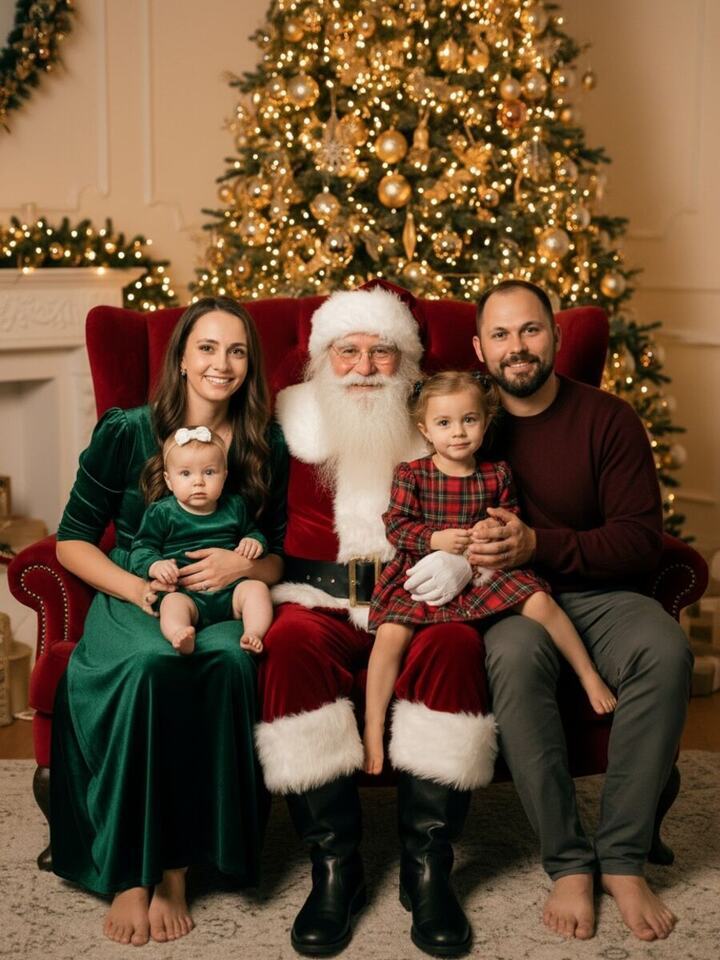 Photo With Santa
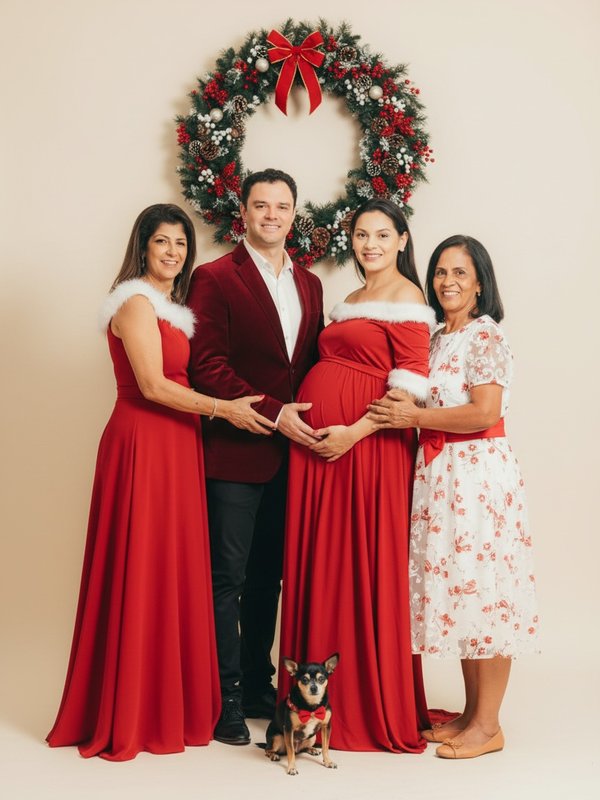 AI Christmas Photo
 AI Thanksgiving Photo
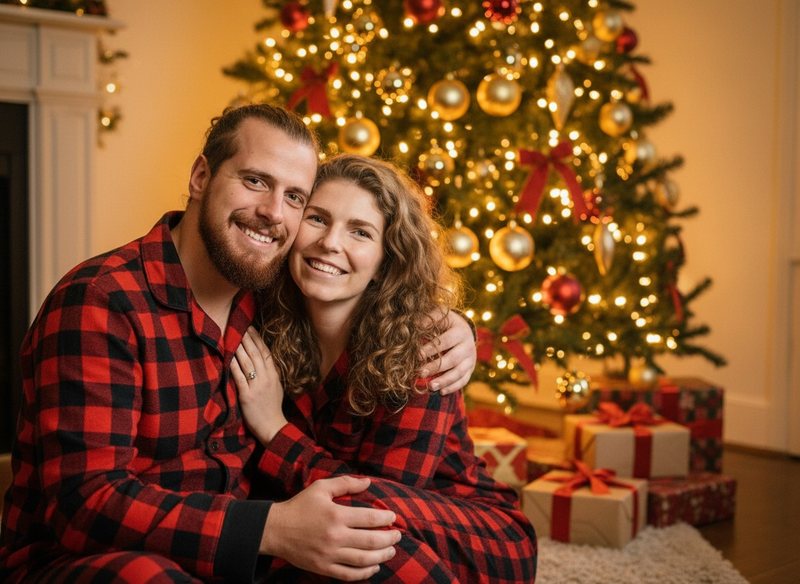 Couple Christmas Photo
 Day of the Dead
 Dog Christmas Photo
 Video From Santa
 AI Christmas Video
 Halloween Costume
 Santa Caught on Camera
 AI Hug
 Elf on the Shelf Video
 Photo to Video
 Talking Elf
 AI Muscle
 Wan 3.0
 Seedance 2.5
 Dramatic Zoom
Examples made with this effect
How to make your Catwalk video
Add your photo
A clear, well-lit photo with the face visible works best. It is used only to check it and make your video, then deleted after a day.
Pay once
Pick a pack and pay with card, Apple Pay or Google Pay through Stripe. No subscription, no free tier to wait through.
Download your video
About 5 seconds of vertical video, ready to post. If it fails, your credits come back.
Your own runway moment
Fashion shows are all over your feed this month, and everyone wants to see themselves walk one. An AI catwalk video does that from a single photo: you stride down a glossy runway toward the camera, spotlights above, flashes popping from the front row, then stop at the end and hold a pose.
It keeps your face and the outfit you are wearing in the photo, so the clip shows off your own look, not a costume.
How to make one
- Pick a full-length photo of one person, head to shoes, in good light.
- Upload it above. We check every photo before you pay, and delete it within 24 hours.
- Pick HD (720p) or a quick 480p version. The video takes a few minutes and waits in My videos for 30 days.
Ideas to try
- Fashion week: post your own runway walk while the big shows are in your feed.
- Outfit of the day: post today’s look as a runway walk instead of a mirror selfie.
- Prom or wedding guest look: walk in the dress or suit before the big night.
- Brand or shop: show a new piece of clothing on a runway without booking a model (use your own photo or one of a model who agreed).
Tips for a better result
- Stand straight, facing the camera, with some floor visible around your feet.
- Plain backgrounds animate more cleanly than busy rooms.
- Avoid heavy filters, mirrors and photos where the legs are cut off.
FAQ
What is an AI catwalk video?
A short clip made from one still photo in which you walk a fashion-show runway like a model, toward the camera, with spotlights and camera flashes, then pause and pose at the end. People post them on TikTok, Reels and Shorts, especially during fashion weeks and big runway shows.
What photo works best?
A full-length photo of one person standing, head to shoes, in good light. The AI animates the outfit you are wearing, so pick the look you want to show off. Half-body selfies work, but the walk looks most natural when the legs and shoes are in the frame.
Where does the walk happen?
On a classic fashion-show runway at night, with white spotlights, an audience on both sides and camera flashes from the front row. The video ends with you pausing at the end of the runway and posing for the camera.
Does it change my clothes?
No. It keeps the outfit from your photo and keeps you fully clothed. It will not make swimwear or lingerie versions, and it does not change your body shape.
Can I use a photo of a celebrity or a model from a show?
No. Use a photo of yourself, or of a friend who said yes. Our photo check refuses photos of public figures and of anyone who looks under 18.
How much does it cost?
Videos use credits you buy once: $4.99 for 24, $9.90 for 50, $19.90 for 105 or $49 for 270. An HD (720p) video uses 10 credits and a quick 480p version uses 5, so $9.90 makes five HD videos. No subscription and no automatic renewal.
Is it free?
No. Each video costs us real compute, so you pay before it is made, and there is no free trial. If generation fails, the credits go back to your balance automatically.
Does the video have music?
Yes. Every catwalk comes with a runway house beat we made ourselves. Every video also has a silent copy to download, if you would rather add your own song in TikTok, Reels or CapCut.
Pricing
24 credits
$4.99
about 2 HD videos
$2.08 per video
50 credits
$9.90
about 5 HD videos
$1.98 per video
105 credits
$19.90
about 10 HD videos
$1.90 per video
270 credits
$49.00
about 27 HD videos
$1.81 per video
Paid once through Stripe. No subscription, no free trial. Failed videos give the credits back automatically. Credits do not expire. Refund policy
Prices include VAT where it applies; the price you see is what you pay.
Photo rules
Use photos of yourself, of public figures, or of people who agreed. Each effect uses our fixed prompt, so nobody can be made to say or do anything else. We reject photos of anyone who looks under 18, and explicit or violent photos, before you pay, and we never accept uploaded videos. Every result is AI-generated. Content policy