
AI Dance Video: Make Your Photo Dance
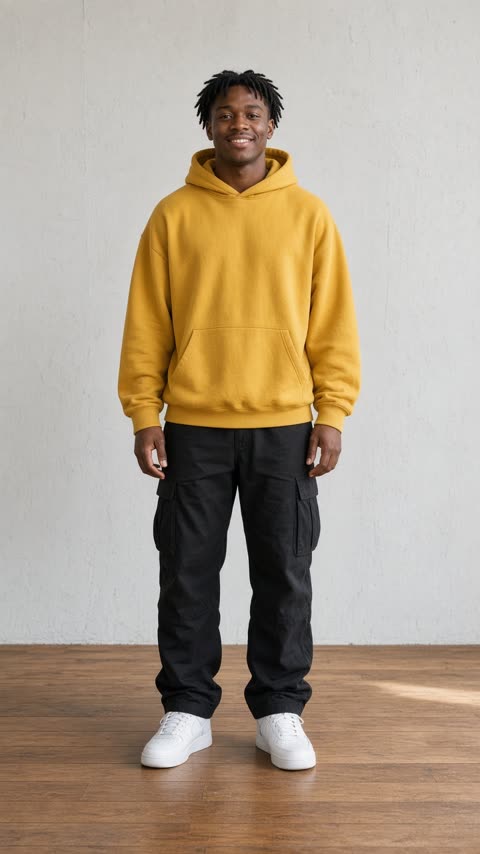
Upload one photo, pick a dance, and the AI makes the person in the photo copy its moves: a 5-second vertical clip with the face and outfit from the photo. Choose hip-hop, a groove, a freestyle or a sway. It runs in your browser, no app, in a few minutes. $4.99 buys two HD videos, paid once, with our own beat on it and a silent copy for any TikTok sound.
- 1 photo
- 5s
- 9:16 MP4
- With music
- 720p
- Ready in minutes
- 10 credits
Why not free? Every video costs us real compute, so you pay first. If it fails, the credits come back on their own. No subscription, and your photos are deleted within 24 hours.
Trending effects
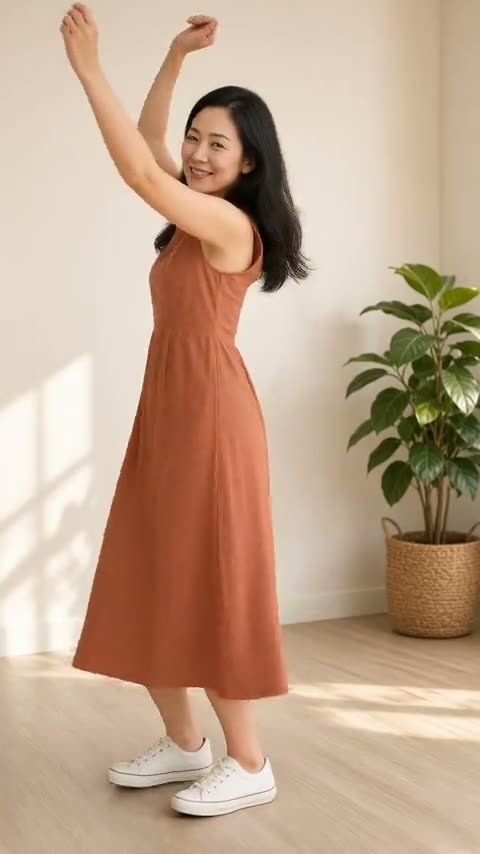 AI Dance Generator
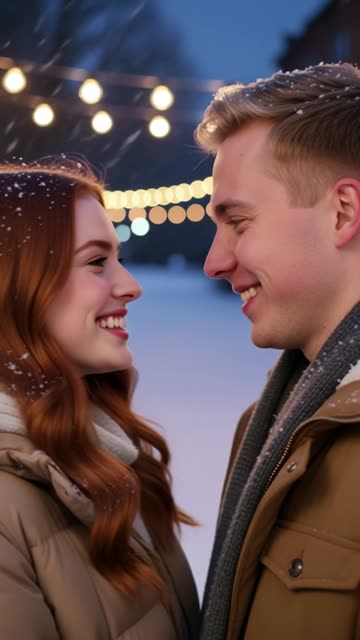 AI Kiss
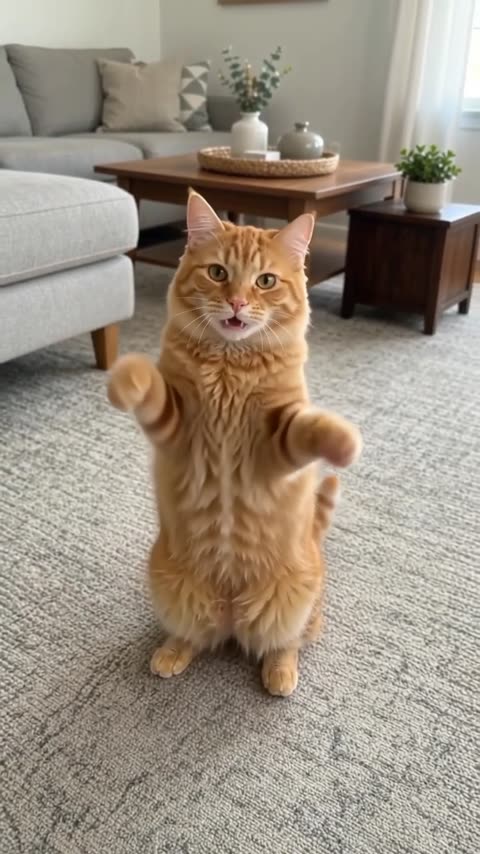 AI Cat Dance
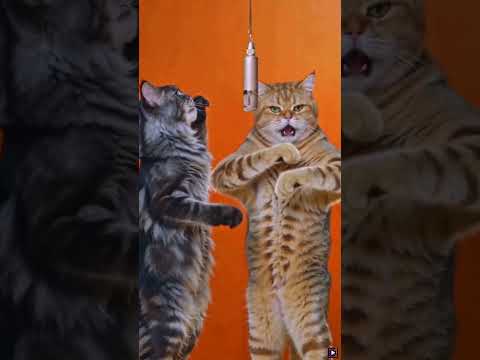 Hotel Lobby AI
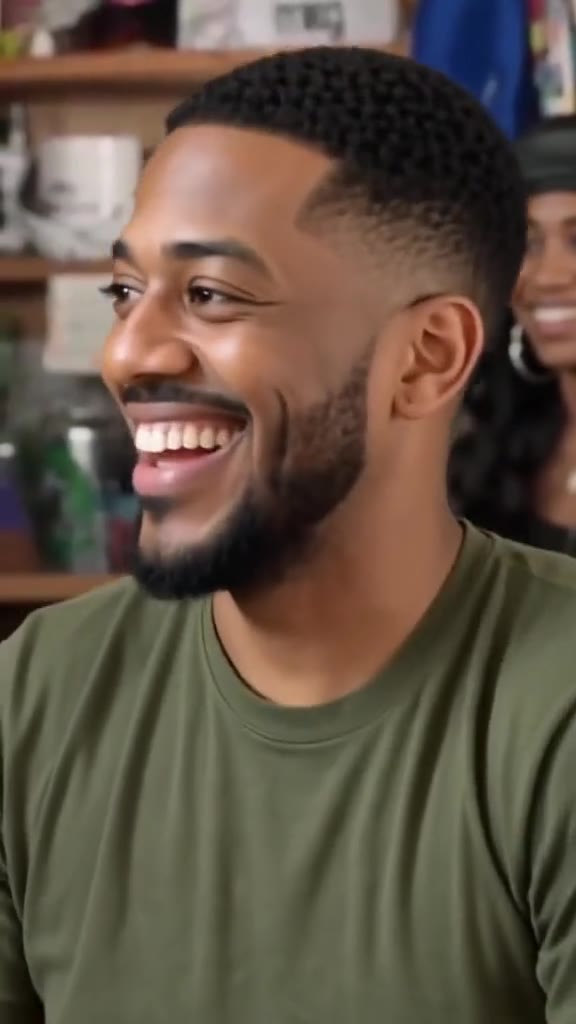 Tiny Desk AI
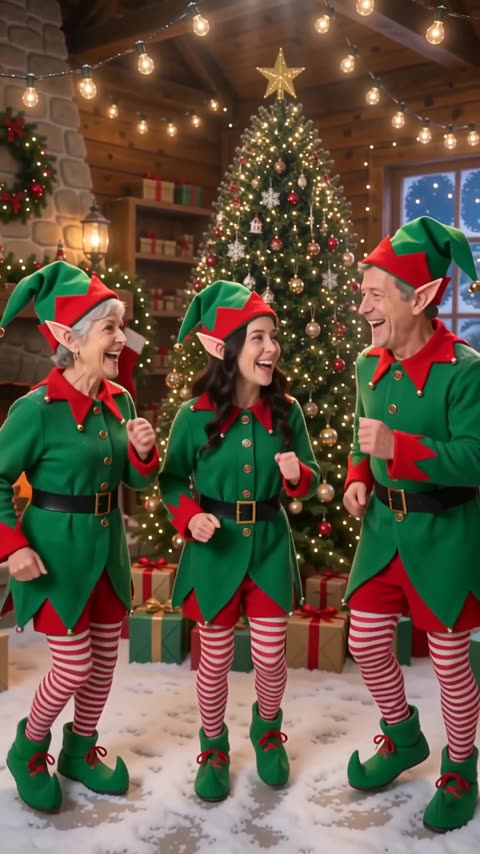 AI Elf Dance
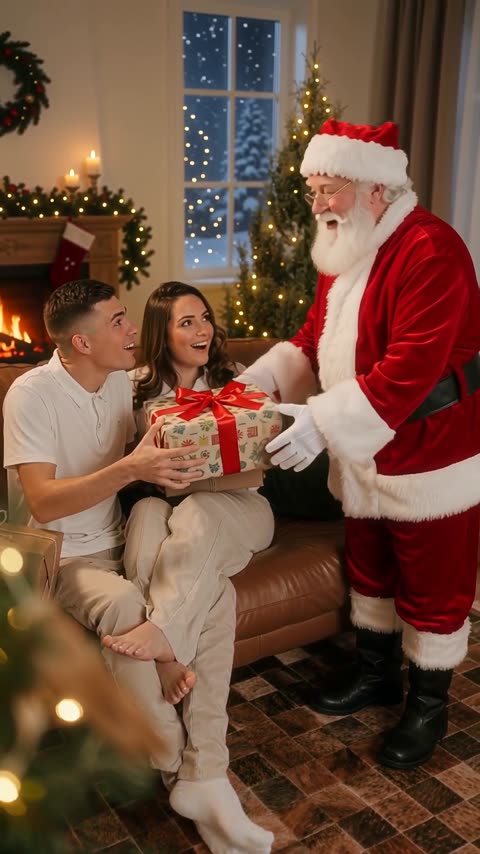 AI Santa Video
 Photo With Santa
 AI Christmas Photo
 AI Thanksgiving Photo
 Couple Christmas Photo
 Day of the Dead
 Dog Christmas Photo
 Video From Santa
 AI Christmas Video
 Halloween Costume
 Santa Caught on Camera
 AI Hug
 Elf on the Shelf Video
 Photo to Video
 Talking Elf
 AI Muscle
 Wan 3.0
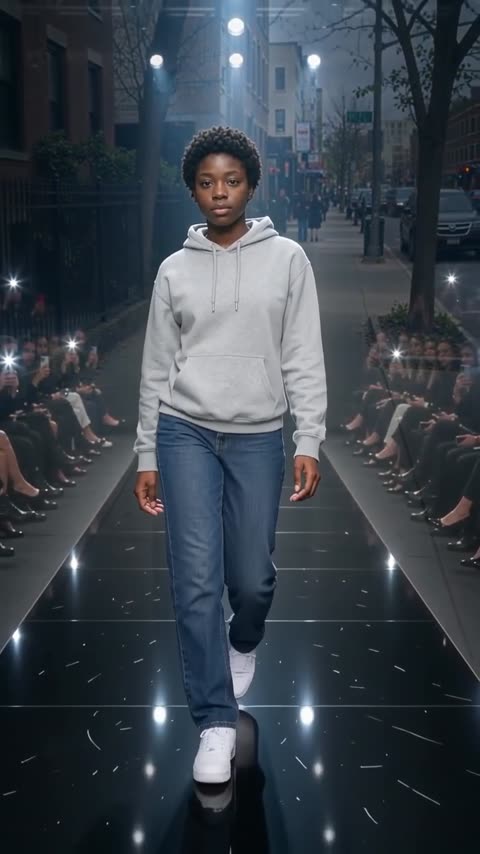 Catwalk
 Seedance 2.5
 Dramatic Zoom
Examples made with this effect
These clips are stock footage from Pexels, shown for the look. They were not made on MemeVid; your video is generated from your own photo.
How to make your AI Dance video
Add your photo
A clear, well-lit photo with the face visible works best. It is used only to check it and make your video, then deleted after a day.
Pay once
Pick a pack and pay with card, Apple Pay or Google Pay through Stripe. No subscription, no free tier to wait through.
Download your video
About 5 seconds of vertical video, ready to post. If it fails, your credits come back.
What is an AI dance video?
“Make my photo dance” has been one of the most searched AI video ideas for a while, and searches for an AI dance video generator roughly doubled over the last year. One still picture goes in, and a few seconds later the person in it is dancing. It is funny because the person in the photo would never dance like that on camera, and it is easy to share because everyone recognises the face.
Our version works from a real dance clip: you pick the dance, and the AI copies its moves onto the person in your photo, keeping the face, hair and outfit. Because the moves come from a real dancer, the steps look like dancing, not like a photo wobbling. The clip comes with our own beat, and its silent copy takes whatever song is trending when you post it.
Make one of yourself first. If you make one of a friend or family member, ask them, and show it to them before you post it.
Make your photo dance in three steps
- Pick a dance above. Tap a clip to watch it: hip-hop and groove are big full-body moves, sway stays mostly upper body.
- Add a tall photo of one person from the waist or knees up, or head to toe. We check it before you pay: one adult, nothing explicit.
- Press the button. The video takes a few minutes and waits for you in My videos for 30 days.
Everything happens in the browser, so there is no app to install and nothing to edit. For the quickest start, the AI dance generator on our home page makes the same video from the same dances.
Which dance fits your photo?
- Full-body photo: any dance. Hip-hop and freestyle look best, because the legs move too.
- Waist-up photo: sway or groove. The arms and shoulders carry these moves.
- Head-and-shoulders selfie: it works, but only the shoulders move. Use a photo with more of the body if you have one.
Put it to a TikTok dance trend
TikTok dance trends change every week, and the song is what makes a clip part of a trend. That is why every video also comes as a silent copy: download it, open it in TikTok, tap Add sound and pick the trending song, or line it up in CapCut. Short, upbeat songs with a clear beat fit these moves best.
Make your pet dance
Cats and dogs have their own dance trend. For a pet, use the AI cat dance video page: it takes a photo of your cat (or dog) and makes it stand up and dance.
Tips for a better result
- Show the body: waist-up or full body, standing or sitting upright.
- Keep the arms free: not crossed, not holding a phone or a drink.
- Plain backgrounds and good light give cleaner motion.
- One person per photo works best.
More dance effects
For Christmas, elf yourself online: one photo becomes a dancing elf in a snowy workshop, no app to download. The AI cat dance video does the same for your pet.
FAQ
How do I make an AI dance video from a photo?
Pick a dance above, add one photo, sign in and press Make my video. A few minutes later the clip is in My videos as a vertical MP4. It comes with an upbeat pop beat of our own, and a silent copy for any song in TikTok, Reels or CapCut.
Can I choose the dance?
Yes. Pick one of the dance clips above (hip-hop, groove, freestyle or sway) and the person in your photo copies those exact moves. Each one plays when you tap it, so you can see the moves before you pay. More dances are coming.
Is there an app?
No app to install. memevid.ai is a website that works in the browser on iPhone, Android and desktop, so you can make the video online and download it straight to your phone.
Is the AI dance video generator free?
No. Each video costs us real compute, so you pay before it is made, and there is no free trial. $4.99 buys 24 credits, two HD videos, and $9.90 buys 50, which is five, with no subscription. If a video fails, the credits come back automatically. Free tools usually add a big watermark, a queue or a sign-up for a subscription.
What photo works best?
A tall photo of one person from the waist or knees up, or head to toe, with the arms free and the face to the camera. The AI moves the body it can see: a head-and-shoulders selfie only moves the shoulders.
Can I make my cat or dog dance?
Yes, on the AI cat dance video page. It takes a pet photo instead of a person, so the check does not look for a human face.
What is an AI dance video?
A short clip where AI animates a still photo so the person in it dances. People make them of themselves, a friend who never dances, or a parent, and post them as a joke or a birthday surprise.
Can I upload my own dance video for the moves?
Not yet. For now you pick from our dance clips, which are licensed stock footage. Your own reference video is on the list.
Does the video have music?
Yes. Every dance comes with an upbeat pop beat we made ourselves, so you can post it as it is. Every video also has a silent copy to download, if you would rather add your own song in TikTok, Reels or CapCut.
How much does it cost?
Videos use credits you buy once: $4.99 for 24, $9.90 for 50, $19.90 for 105 or $49 for 270. One HD dance video uses 10 credits, so $9.90 makes four. No subscription and no automatic renewal.
Can I use a photo of a celebrity or someone else?
Yes for public figures. Celebrities, athletes and politicians are fine, and the moves come from our own clips, so nobody can be made to do anything else. For private people, use your own photo or one of someone who agreed. Photos of anyone who looks under 18, and explicit or violent photos, are refused before you pay.
Pricing
24 credits
$4.99
about 2 HD videos
$2.08 per video
50 credits
$9.90
about 5 HD videos
$1.98 per video
105 credits
$19.90
about 10 HD videos
$1.90 per video
270 credits
$49.00
about 27 HD videos
$1.81 per video
Paid once through Stripe. No subscription, no free trial. Failed videos give the credits back automatically. Credits do not expire. Refund policy
Prices include VAT where it applies; the price you see is what you pay.
Photo rules
Use photos of yourself, of public figures, or of people who agreed. Each effect uses our fixed prompt, so nobody can be made to say or do anything else. We reject photos of anyone who looks under 18, and explicit or violent photos, before you pay, and we never accept uploaded videos. Every result is AI-generated. Content policy