
MemeVid / Effects / Day of the Dead
Day of the Dead AI Video

Upload one photo of someone you remember and the AI brings it gently to life for Día de los Muertos: they blink, smile and look at you, surrounded by marigolds, candlelight, papel picado and monarch butterflies. A 5-second vertical clip for your ofrenda, a family chat or a post, made in a few minutes. $4.99 buys two HD videos, paid once.
- 1 photo
- 5s
- 9:16 MP4
- With music
- 480p / 720p
- Ready in minutes
- 10 credits
Why not free? Every video costs us real compute, so you pay first. If it fails, the credits come back on their own. No subscription, and your photos are deleted within 24 hours.
Trending effects
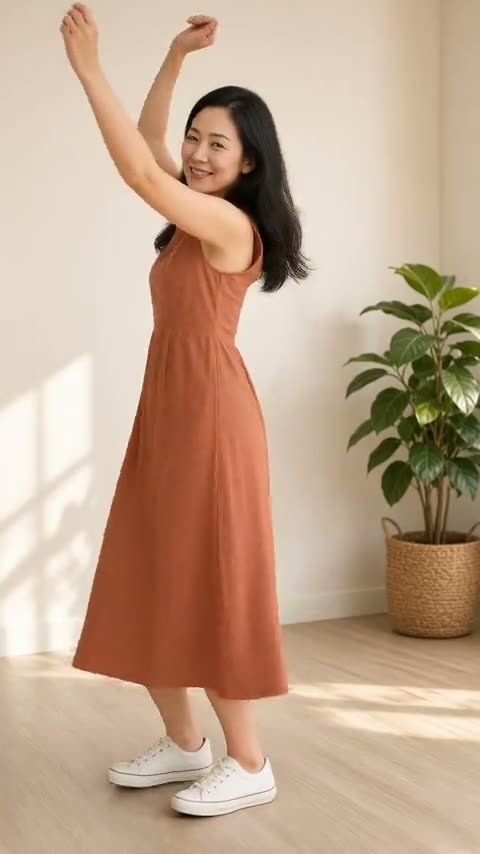 AI Dance Generator
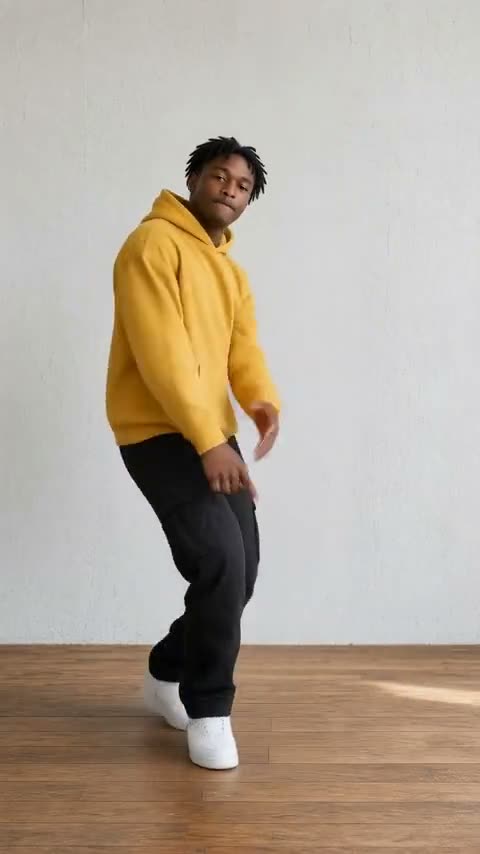 AI Dance
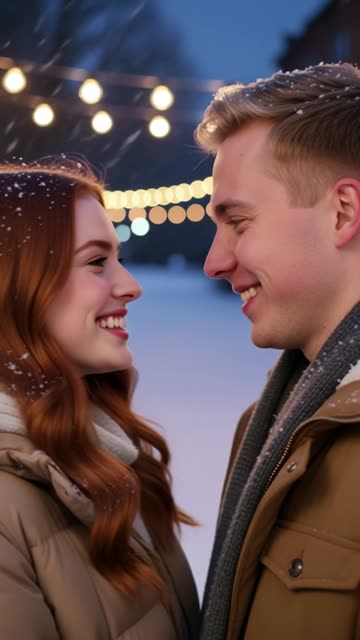 AI Kiss
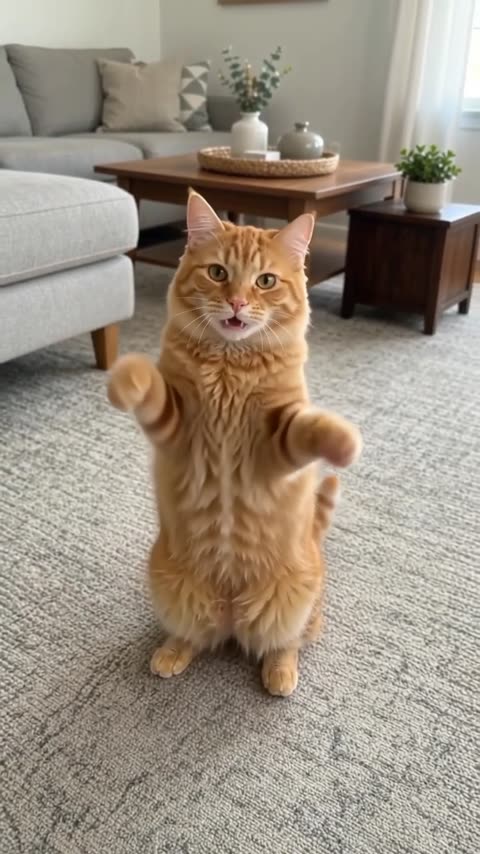 AI Cat Dance
 Hotel Lobby AI
 Tiny Desk AI
 AI Elf Dance
 AI Santa Video
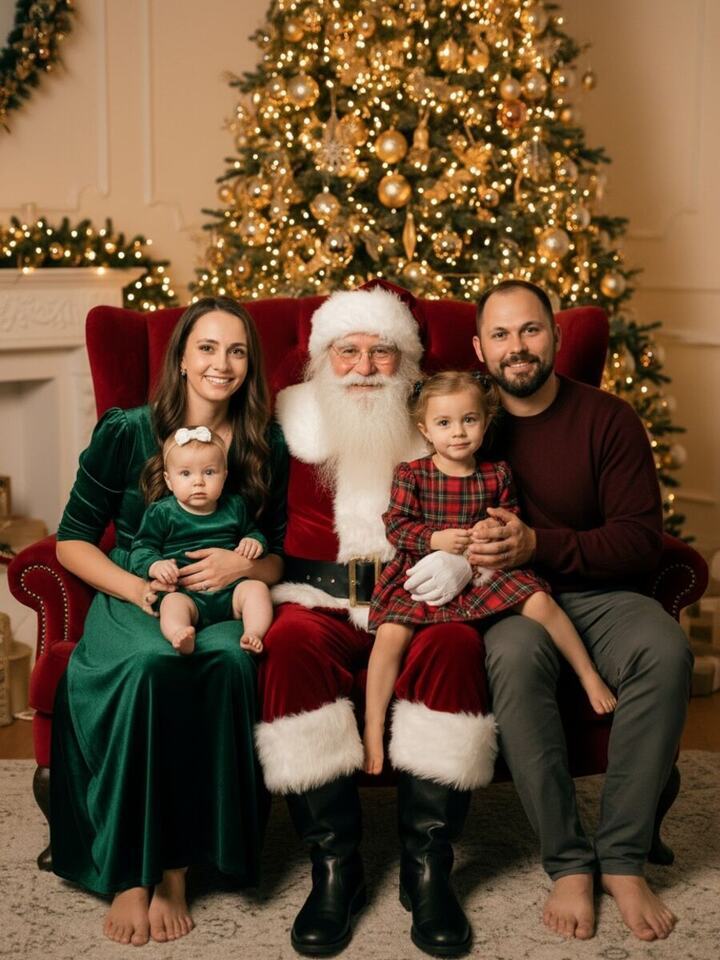 Photo With Santa
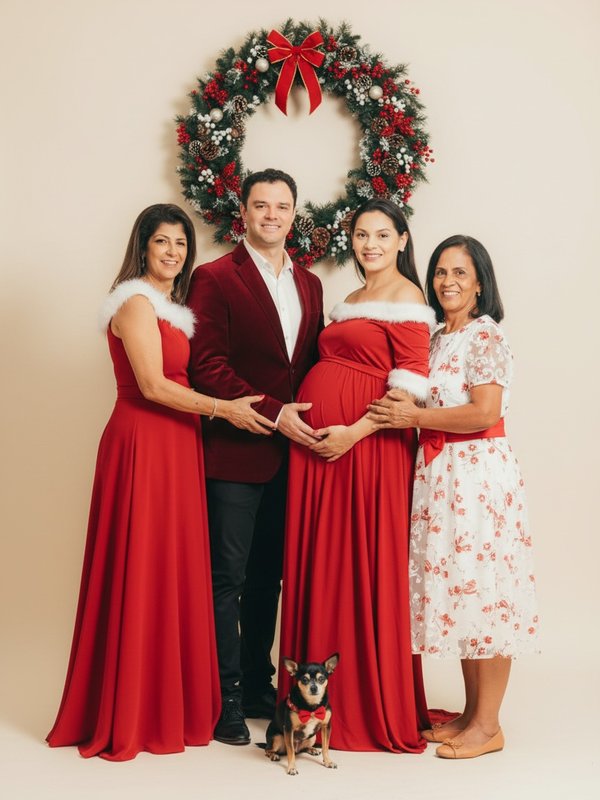 AI Christmas Photo
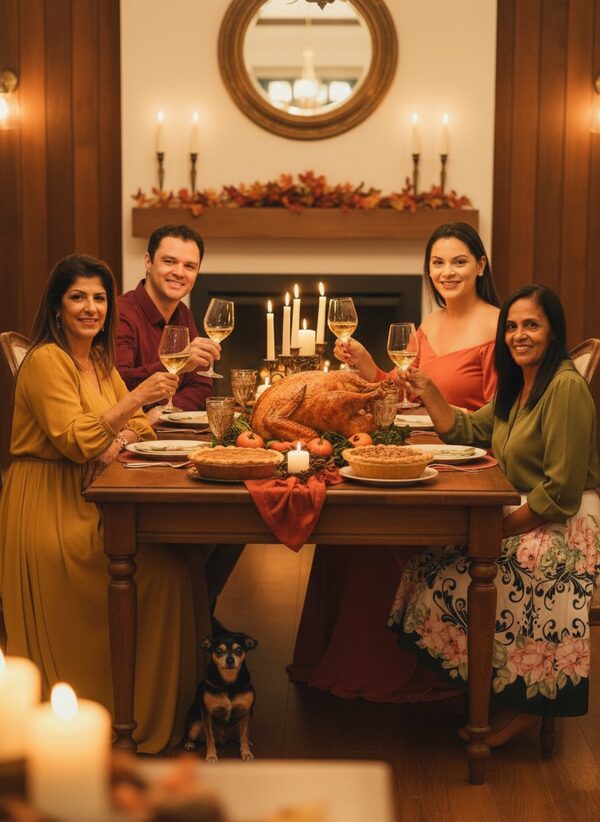 AI Thanksgiving Photo
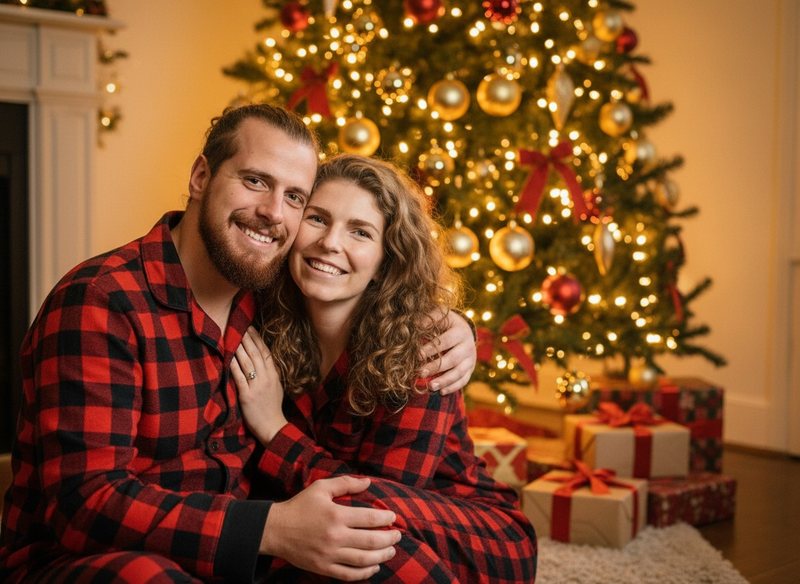 Couple Christmas Photo
 Dog Christmas Photo
 Video From Santa
 AI Christmas Video
 Halloween Costume
 Santa Caught on Camera
 AI Hug
 Elf on the Shelf Video
 Photo to Video
 Talking Elf
 AI Muscle
 Wan 3.0
 Catwalk
 Seedance 2.5
 Dramatic Zoom
Examples made with this effect
How to make your Day of the Dead video
Add your photo
A clear, well-lit photo with the face visible works best. It is used only to check it and make your video, then deleted after a day.
Pay once
Pick a pack and pay with card, Apple Pay or Google Pay through Stripe. No subscription, no free tier to wait through.
Download your video
About 5 seconds of vertical video, ready to post. If it fails, your credits come back.
A video for the ofrenda
On Día de los Muertos, families set up an ofrenda with photos, marigolds, candles, food and the things their loved ones enjoyed, to welcome them home for a night. A Day of the Dead AI video adds one more thing to it: a few seconds where the photo of your grandmother, your father or your best friend smiles back at you.
Upload a photo, and the AI animates it gently. They blink, breathe and smile, surrounded by cempasúchil marigolds, flickering candles, papel picado and a few monarch butterflies. The face, age and clothes stay as they are in the photo, so it is still them.
How to make one
- Choose a clear photo with one face. Old prints are fine: lay them flat by a window and take a photo with your phone.
- Upload it above. We check every photo before you pay, and delete it within 24 hours.
- Pick HD (720p) or a quick 480p version. The video takes a few minutes and waits in My videos for 30 days.
Ways families use it
- Play it on a phone or tablet beside the ofrenda on the night of November 1 or 2.
- Send it to the family chat for relatives who live far away.
- Make one for each person on the ofrenda and watch them together.
Tips for a better result
- One person per photo works best; crop group photos.
- Faces looking toward the camera animate most naturally.
- Avoid photos with heavy filters or with the face partly covered.
FAQ
What is a Day of the Dead AI video?
A short clip that brings a photo of someone who has died gently to life for Día de los Muertos (November 1 and 2). They blink and smile among marigolds, candles and monarch butterflies, the symbols that guide the souls home. Families play it beside the ofrenda or share it in the family chat.
Does it change the photo or keep it as it is?
It animates the photo. The face, age, hair and clothes stay as they are, and an old black-and-white or faded photo keeps its look; only small, gentle movement and the ofrenda around them are added.
What kind of photo works best?
A clear photo with one face, looking roughly at the camera. Old prints work too, scan or photograph them flat in good light. Crop a group photo down to the one person you want to remember.
Can I make one of a child who passed away?
We are sorry, no. Our photo check refuses every photo of anyone who looks under 18, and we cannot make exceptions, even for a memorial.
How much does it cost?
Videos use credits you buy once: $4.99 for 24, $9.90 for 50, $19.90 for 105 or $49 for 270. An HD (720p) video uses 10 credits and a quick 480p version uses 5, so $9.90 makes five HD videos. No subscription and no automatic renewal.
Is it free?
No. Each video costs us real compute, so you pay before it is made, and there is no free trial. If generation fails, the credits go back to your balance automatically.
Is the video private?
Yes. Your photo is deleted within 24 hours, and the video stays in your account for 30 days unless you choose to share it. Only you decide who sees it.
Does the video have music?
Yes. Every clip comes with a gentle waltz on marimba and guitar that we wrote ourselves. Every video also has a silent copy to download, if you would rather add your own song in TikTok, Reels or CapCut.
Pricing
24 credits
$4.99
about 2 HD videos
$2.08 per video
50 credits
$9.90
about 5 HD videos
$1.98 per video
105 credits
$19.90
about 10 HD videos
$1.90 per video
270 credits
$49.00
about 27 HD videos
$1.81 per video
Paid once through Stripe. No subscription, no free trial. Failed videos give the credits back automatically. Credits do not expire. Refund policy
Prices include VAT where it applies; the price you see is what you pay.
Photo rules
Use photos of yourself, of public figures, or of people who agreed. Each effect uses our fixed prompt, so nobody can be made to say or do anything else. We reject photos of anyone who looks under 18, and explicit or violent photos, before you pay, and we never accept uploaded videos. Every result is AI-generated. Content policy