
MemeVid / Effects / Santa Caught on Camera
Santa Caught on Camera, in Your Own Home
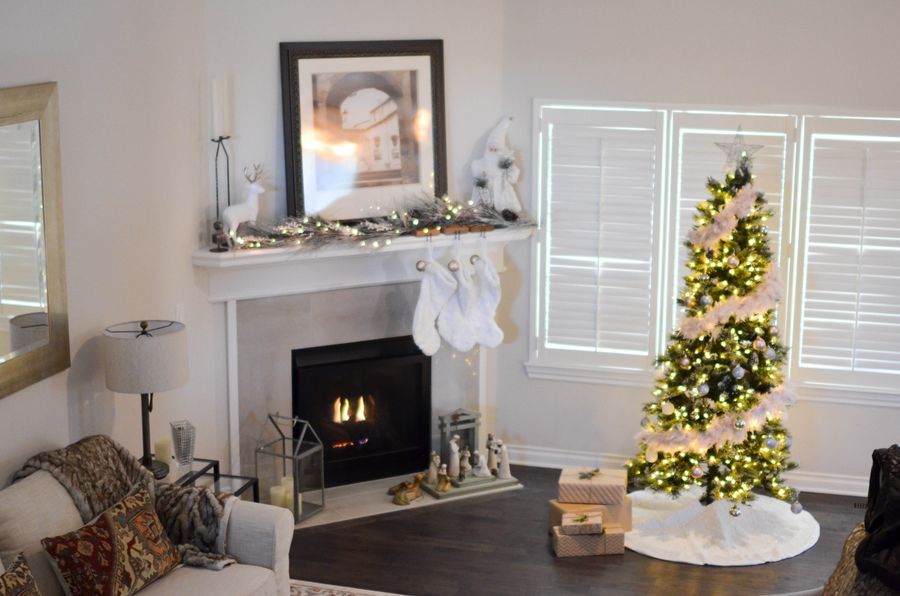
Take one photo of your Christmas tree or living room and get a 5-second security camera clip of Santa Claus tiptoeing in, leaving presents under your tree, spotting the camera and putting a finger to his lips. Your room, your tree, your furniture stay exactly as in the photo. It takes a few minutes, $4.99 buys two HD videos, paid once.
- 1 photo
- 5s
- 16:9 MP4
- With music
- 480p / 720p
- Ready in minutes
- 10 credits
Why not free? Every video costs us real compute, so you pay first. If it fails, the credits come back on their own. No subscription, and your photos are deleted within 24 hours.
Trending effects
 AI Dance Generator
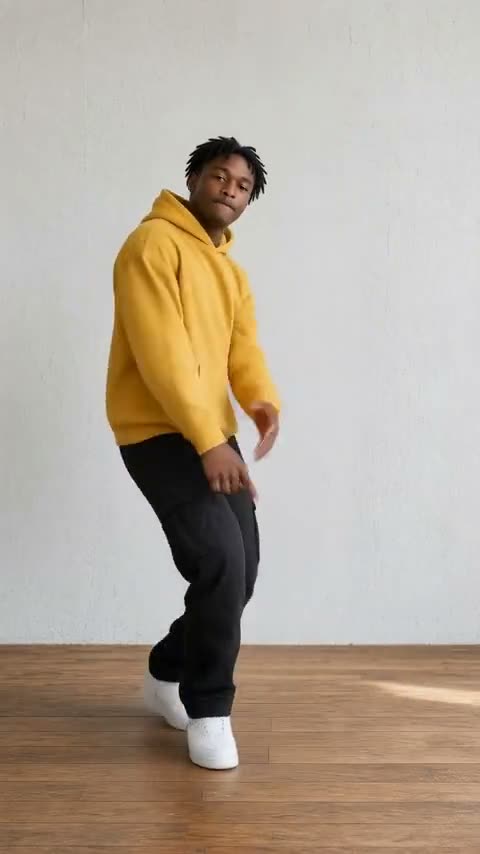 AI Dance
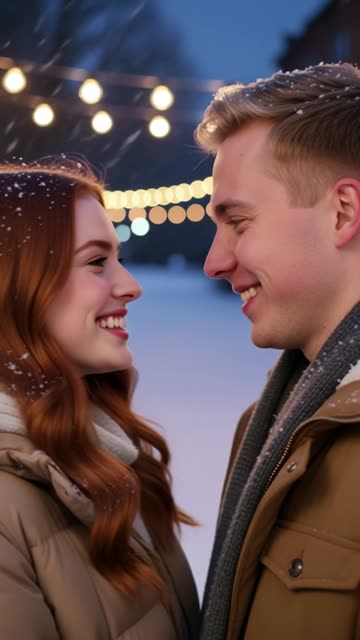 AI Kiss
 AI Cat Dance
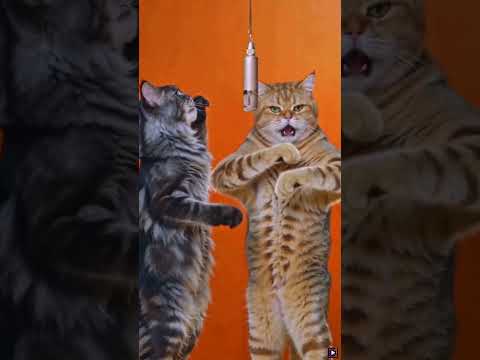 Hotel Lobby AI
 Tiny Desk AI
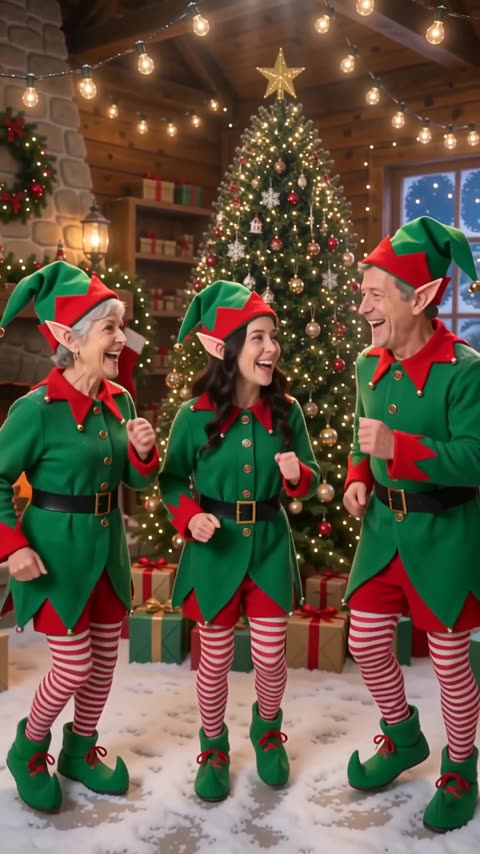 AI Elf Dance
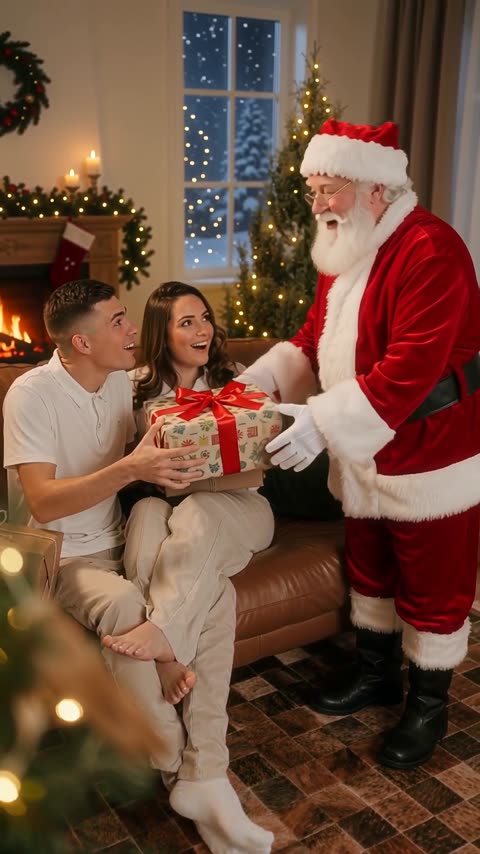 AI Santa Video
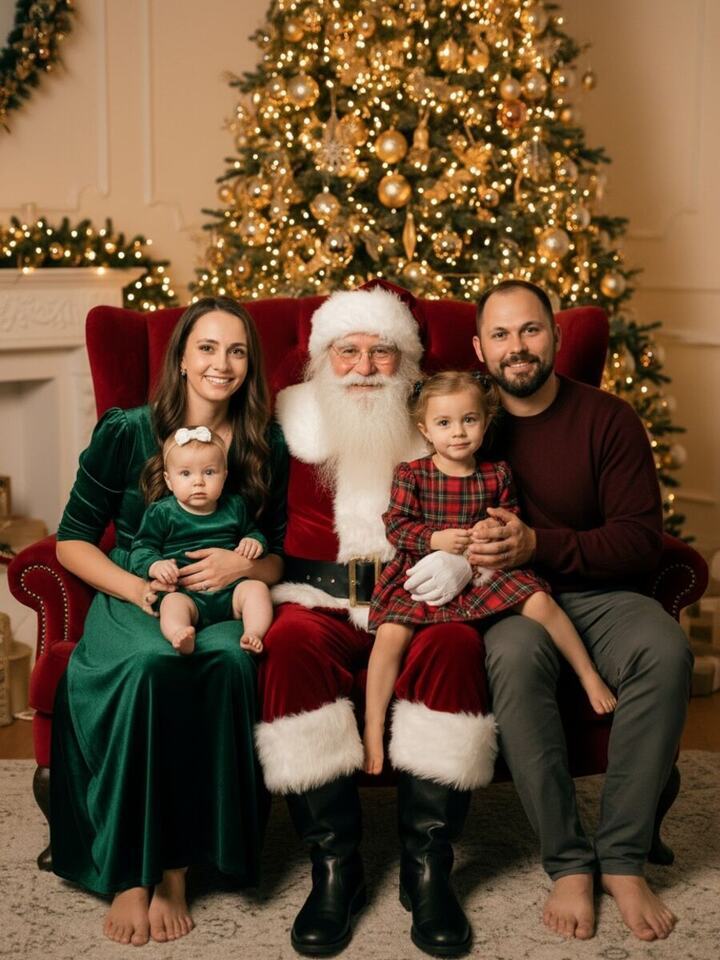 Photo With Santa
 AI Christmas Photo
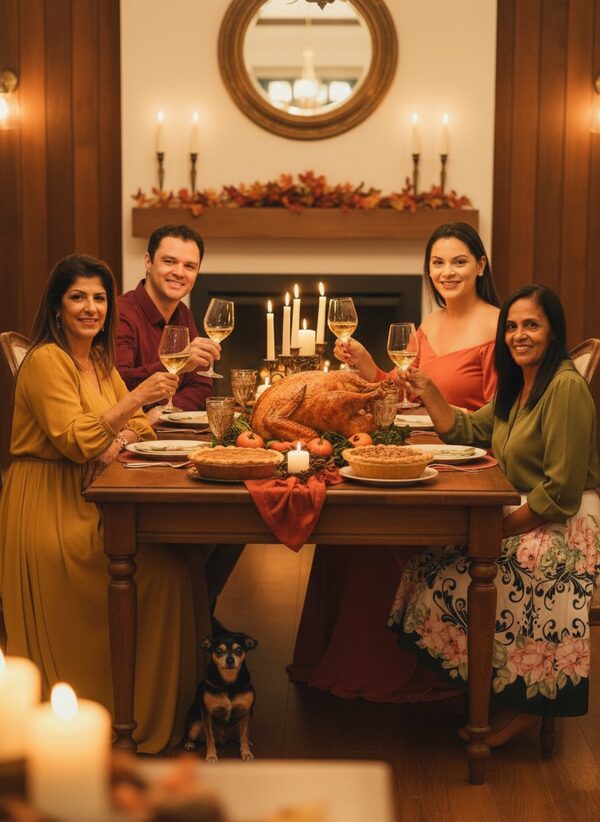 AI Thanksgiving Photo
 Couple Christmas Photo
 Day of the Dead
 Dog Christmas Photo
 Video From Santa
 AI Christmas Video
 Halloween Costume
 AI Hug
 Elf on the Shelf Video
 Photo to Video
 Talking Elf
 AI Muscle
 Wan 3.0
 Catwalk
 Seedance 2.5
 Dramatic Zoom
Examples made with this effect
How to make your Santa Caught on Camera video
Add your photo
A clear, well-lit photo with the whole body in view works best: people, pets or things. It is used only to check it and make your video, then deleted after a day.
Pay once
Pick a pack and pay with card, Apple Pay or Google Pay through Stripe. No subscription, no free tier to wait through.
Download your video
About 5 seconds of widescreen video, ready to post. If it fails, your credits come back.
What is a Santa caught on camera video?
Every December, parents post clips that look like their home camera caught Santa Claus in the living room. Until now that meant a costume, a friend willing to wear it and some editing. Here you take one photo of your own tree and get the clip: the night-time security camera look, Santa tiptoeing in with his sack, presents placed under your tree, a glance at the camera and a finger to his lips.
The room is your room. The tree, the sofa and the decorations stay exactly as in your photo, which is what makes it believable on Christmas morning.
Tips for a better result
- Take the photo from high up in a corner, where a home camera would hang, with the whole tree in view.
- Turn the tree lights on and the room lights low: the night look works best with a glowing tree.
- Hold the phone sideways; the clip is landscape like a real camera.
- Leave some floor space in front of the tree so Santa has room to kneel.
Want the whole family in a Christmas portrait too? Make an AI Christmas photo set, then turn your favourite into an AI Christmas video. To have Santa walk into a photo of you and hand over a present, try the AI Santa video, or a personalized video from Santa where he talks to your child by name.
Where the idea comes from
Two traditions meet here. Since 1955 NORAD has tracked Santa’s flight every Christmas Eve, a habit that began when a department-store ad misprinted a phone number and children called a military hotline instead. Home security cameras then made a second game possible: parents share doorbell and living-room “footage” of Santa tiptoeing in with presents. There is no single origin for the clip. It is a December habit that grew as every home got a camera.
Pet version
Pets are the natural extra cast. Photograph the tree with the dog asleep on the rug or the cat on the sofa, and the room stays as in your photo, so your pet is part of the scene Santa walks into. For a Christmas portrait of the pet itself, use the dog Christmas photo page.
How to make it
- Take one photo of the tree from a high corner, tree lights on, room lights low, phone held sideways.
- Upload it and wait a few minutes for the 5-second security-camera clip.
- Post it on Christmas Eve night or show it on Christmas morning.
FAQ
What is a Santa caught on camera video?
A short clip that looks like your home security camera filmed Santa Claus on Christmas Eve. You upload a photo of your own tree or living room, and the AI keeps the room exactly as it is while Santa sneaks in, leaves presents under the tree, spots the camera and shushes it.
What photo should I upload?
A photo of the room with your Christmas tree, taken from high up in a corner like a real camera would see it, with the lights on. Hold your phone sideways (landscape). Nobody needs to be in it; adults and pets who are stay as they are.
Can I show it to my kids?
That is what most people make it for. Photos with children in them can't be used, so take the photo of the room while the kids are elsewhere, then show them the clip on Christmas morning.
How much does it cost?
Videos use credits you buy once: $4.99 for 24, $9.90 for 50, $19.90 for 105 or $49 for 270. An HD (720p) video uses 10 credits and a quick 480p preview uses 5, so $9.90 makes five HD videos. No subscription and no automatic renewal.
Is there sound?
Yes, quietly, like a real home camera: sleigh bells passing outside and a soft twinkle, made by us. Every video also has a silent copy to download, if you would rather add your own song in TikTok, Reels or CapCut.
Is there a free trial?
No. Each video costs us real compute, so you pay before it is made. If generation fails, the credits go back to your balance automatically.
Pricing
24 credits
$4.99
about 2 HD videos
$2.08 per video
50 credits
$9.90
about 5 HD videos
$1.98 per video
105 credits
$19.90
about 10 HD videos
$1.90 per video
270 credits
$49.00
about 27 HD videos
$1.81 per video
Paid once through Stripe. No subscription, no free trial. Failed videos give the credits back automatically. Credits do not expire. Refund policy
Prices include VAT where it applies; the price you see is what you pay.
Photo rules
Use photos of yourself, of public figures, or of people who agreed. Each effect uses our fixed prompt, so nobody can be made to say or do anything else. We reject photos of anyone who looks under 18, and explicit or violent photos, before you pay, and we never accept uploaded videos. Every result is AI-generated. Content policy