
MemeVid / Effects / AI Santa Video
AI Santa Video – Santa Comes to Visit
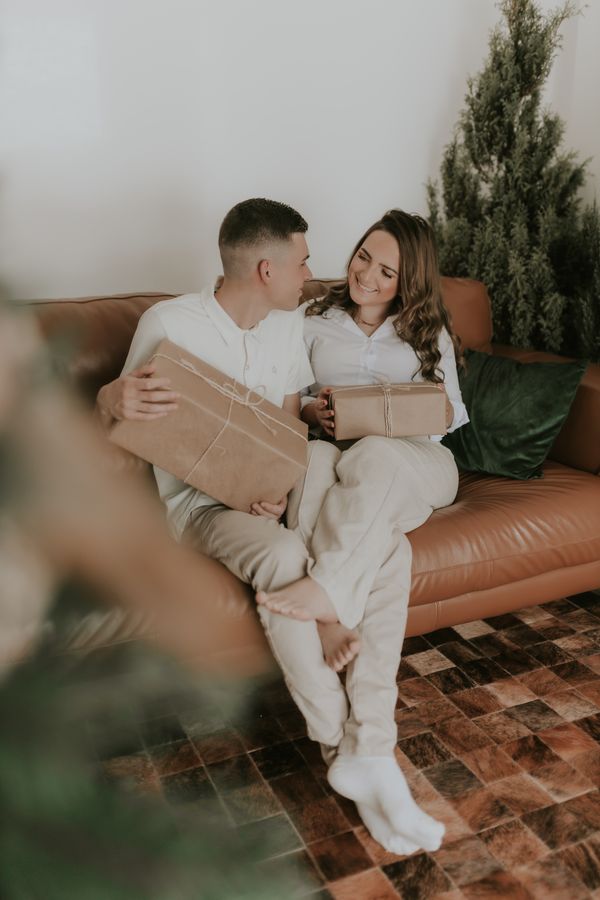
Upload one photo of yourself, your partner or your family by the tree and get a 5-second Christmas clip that looks like a scene from a classic holiday movie: Santa Claus in his red suit walks in with a wrapped present, hands it over and laughs, in warm firelight with snow at the window. Your faces stay as in the photo; the room gets the warm movie look. Ready in a few minutes, $4.99 buys two HD videos, paid once.
- 1 photo
- 5s
- 9:16 MP4
- With music
- 480p / 720p
- Ready in minutes
- 10 credits
Why not free? Every video costs us real compute, so you pay first. If it fails, the credits come back on their own. No subscription, and your photos are deleted within 24 hours.
Trending effects
 AI Dance Generator
 AI Dance
 AI Kiss
 AI Cat Dance
 Hotel Lobby AI
 Tiny Desk AI
 AI Elf Dance
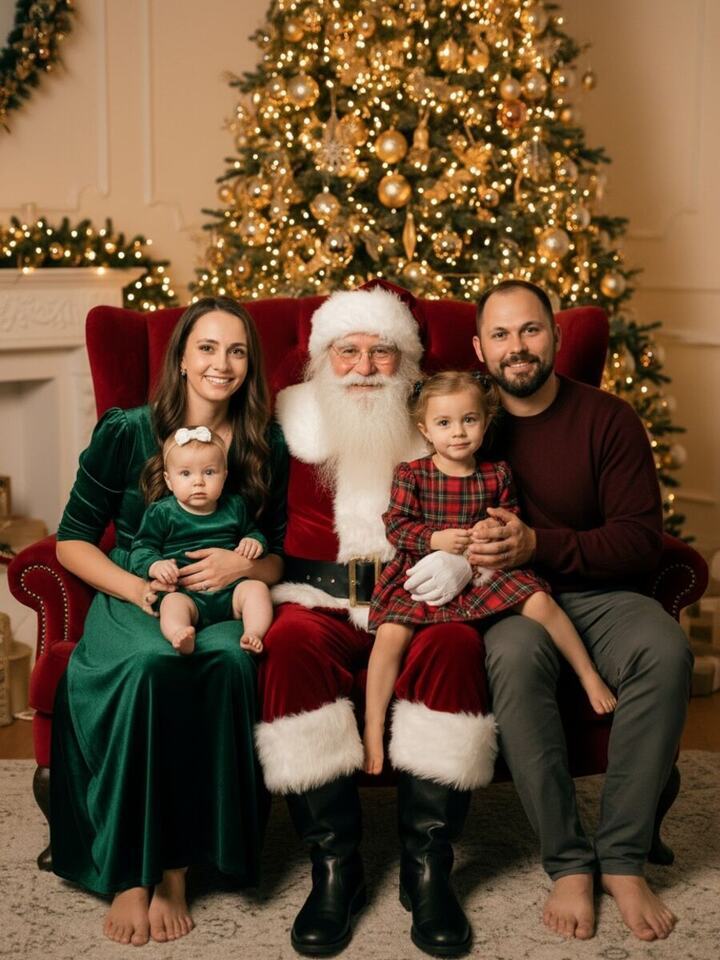 Photo With Santa
 AI Christmas Photo
 AI Thanksgiving Photo
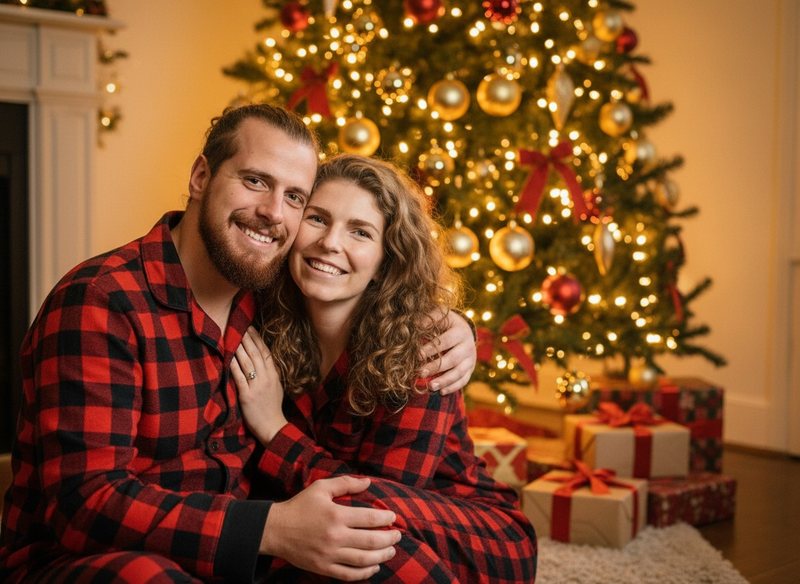 Couple Christmas Photo
 Day of the Dead
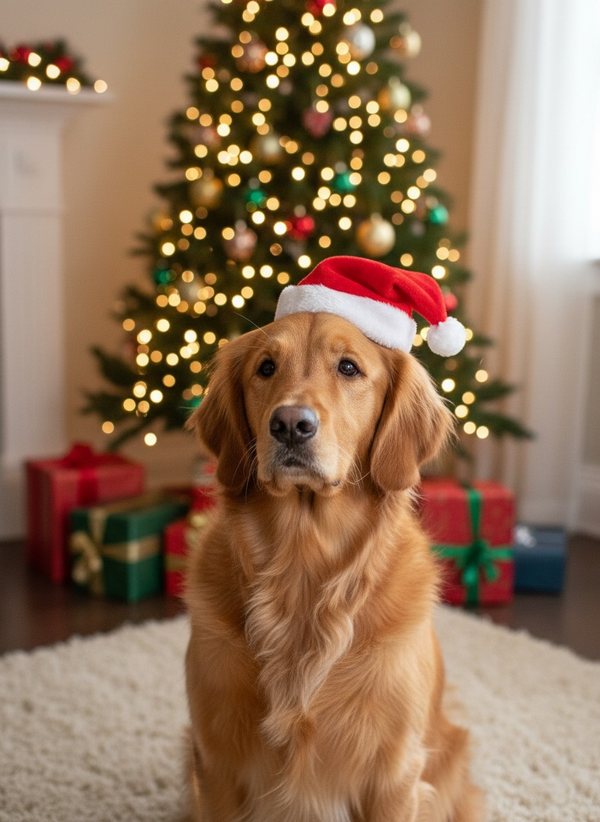 Dog Christmas Photo
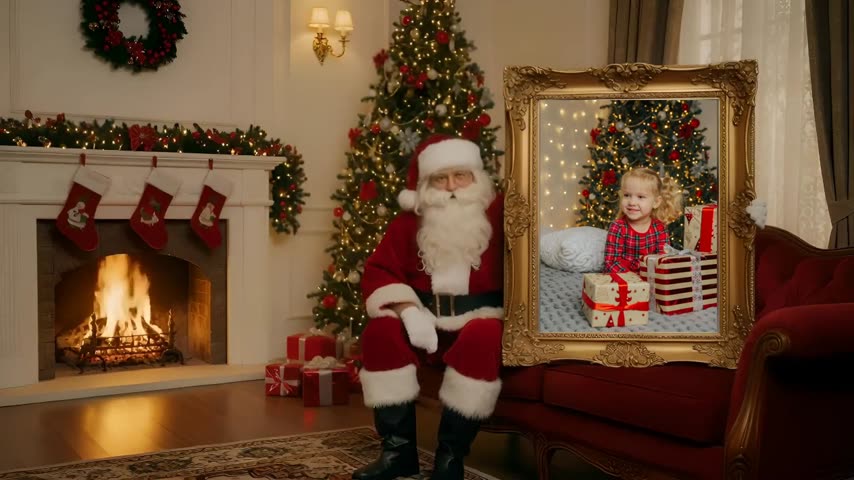 Video From Santa
 AI Christmas Video
 Halloween Costume
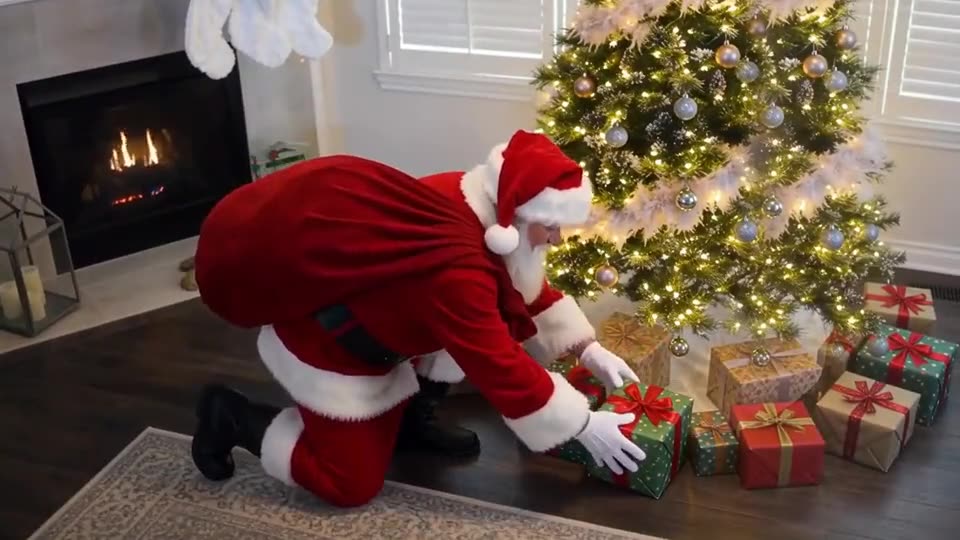 Santa Caught on Camera
 AI Hug
 Elf on the Shelf Video
 Photo to Video
 Talking Elf
 AI Muscle
 Wan 3.0
 Catwalk
 Seedance 2.5
 Dramatic Zoom
Examples made with this effect
How to make your AI Santa Video
Add your photo
A clear, well-lit photo with the whole body in view works best: people, pets or things. It is used only to check it and make your video, then deleted after a day.
Pay once
Pick a pack and pay with card, Apple Pay or Google Pay through Stripe. No subscription, no free tier to wait through.
Download your video
About 5 seconds of vertical video, ready to post. If it fails, your credits come back.
What is an AI Santa video?
Remember the moment in the old Christmas films when Santa really shows up: firelight, snow at the window, a knowing laugh and a present with a red ribbon? This puts that moment in your own photo. Upload a picture of you, your partner or the whole family, kids included, by the tree, and a traditional Santa Claus walks into it, hands over a present and lets out a big “ho ho ho”.
The faces, the clothes and the dog on the sofa stay as in your photo. Santa is added, and the room gets the warm golden light and soft film grain of a classic holiday movie, sometimes with a fireplace or snow at the window. Send it in the family chat instead of an e-card, or post it as a Reel with your favourite carol.
Three ways Santa can visit
- Santa’s visit: he walks in from the side with a wrapped present, hands it over and laughs.
- Photo with Santa: he steps into your picture, rests a hand on a shoulder and smiles at the camera with you, like a photo with Santa without the mall queue.
- Christmas magic: he blows a puff of glittering snow and the fairy lights glow to life around you.
Tips for a better result
- Up to four people, kids included, facing the camera, with faces clearly visible; pets are welcome.
- Leave some space beside you or around you so Santa has room to step in.
- Warm indoor light and a lit tree in the background give the classic film look.
- Hold the phone upright; the clip is vertical for Reels and Stories.
Want Santa to show up without anyone in the picture? A Santa caught on camera clip needs only a photo of your living room. Want still photos instead? Get 8 photos with Santa from one family photo, or Christmas portraits without him from the AI Christmas photo generator. For a message where Santa talks to your child by name, make a personalized video from Santa.
Where the idea comes from
The Santa we picture today was shaped in print. Clement Clarke Moore’s poem “A Visit from St. Nicholas” (published 1823) gave him the sleigh and the chimney, Thomas Nast’s cartoons in the 1860s and 70s gave him the red suit and the North Pole workshop, and Haddon Sundblom’s Coca-Cola ads from 1931 fixed the warm, round face. A video of Santa stepping into your own photo is the newest page of the same story.
Pet version
Pets are welcome in the photo, up to four people plus pets. The dog on the sofa stays as it is and Santa joins the picture next to it. Add the pet to the family photo, or upload only the pet in its Santa hat for a Santa visit with no people in it.
How to make it
- Upload one sharp photo of you, your partner or the family, facing the camera, with space beside you.
- Choose how Santa visits.
- Pay once and get the clip in a few minutes.
FAQ
What is an AI Santa video?
A short Christmas clip made from your own photo, where Santa Claus comes to visit. You upload a photo of yourself, your partner or your family, and the AI keeps everyone as they are while a classic red-suited Santa walks in, hands over a present and laughs. It looks like a scene from an old Christmas film, and it is yours to send as an e-card or post as a Reel.
What can Santa do?
Pick one before you pay, all at the same price: "Santa's visit" (he walks in and hands you a present), "Photo with Santa" (he joins your photo and smiles at the camera with you) or "Christmas magic" (he blows a puff of glittering snow and the lights glow).
What photo works best?
A sharp photo of up to four people, kids and pets welcome, facing the camera, ideally at home by the tree in warm light. Leave a bit of space beside you so Santa has room to step in.
Can I make one for my kids?
Yes. Upload a family photo with the kids in it (up to four people, plus pets) and Santa comes to visit all of you. The photo check still refuses anything explicit or violent. For a Christmas-morning surprise without anyone in the picture, make a [Santa caught on camera](/effects/santa-caught-on-camera/) clip from a photo of your empty living room.
How much does it cost?
Videos use credits you buy once: $4.99 for 24, $9.90 for 50, $19.90 for 105 or $49 for 270. An HD (720p) video uses 10 credits and a quick 480p preview uses 5, so $9.90 makes five HD videos. No subscription and no automatic renewal.
Is there sound?
Yes. Every Santa visit comes with Jingle Bells and sleigh bells in our own arrangement. Every video also has a silent copy to download, if you would rather add your own song in TikTok, Reels or CapCut.
Is there a free trial?
No. Each video costs us real compute, so you pay before it is made. If generation fails, the credits go back to your balance automatically.
Guides
- How to Make an Elf Yourself Video
How to make an Elf Yourself video: the classic app way with cartoon elves, the AI way that turns your own photo into a dancing elf, and which photo works best.
- Elf Yourself Alternatives, Compared
Elf Yourself alternatives compared: the official app, other face-in-a-hole dance apps, JibJab ecards, and AI that turns your own photo into a real-looking dancing elf.
Pricing
24 credits
$4.99
about 2 HD videos
$2.08 per video
50 credits
$9.90
about 5 HD videos
$1.98 per video
105 credits
$19.90
about 10 HD videos
$1.90 per video
270 credits
$49.00
about 27 HD videos
$1.81 per video
Paid once through Stripe. No subscription, no free trial. Failed videos give the credits back automatically. Credits do not expire. Refund policy
Prices include VAT where it applies; the price you see is what you pay.
Photo rules
Use photos of yourself, of public figures, or of people who agreed. Each effect uses our fixed prompt, so nobody can be made to say or do anything else. We reject photos of anyone who looks under 18, and explicit or violent photos, before you pay, and we never accept uploaded videos. Every result is AI-generated. Content policy