
MemeVid / Effects / Video From Santa
Personalized Video From Santa
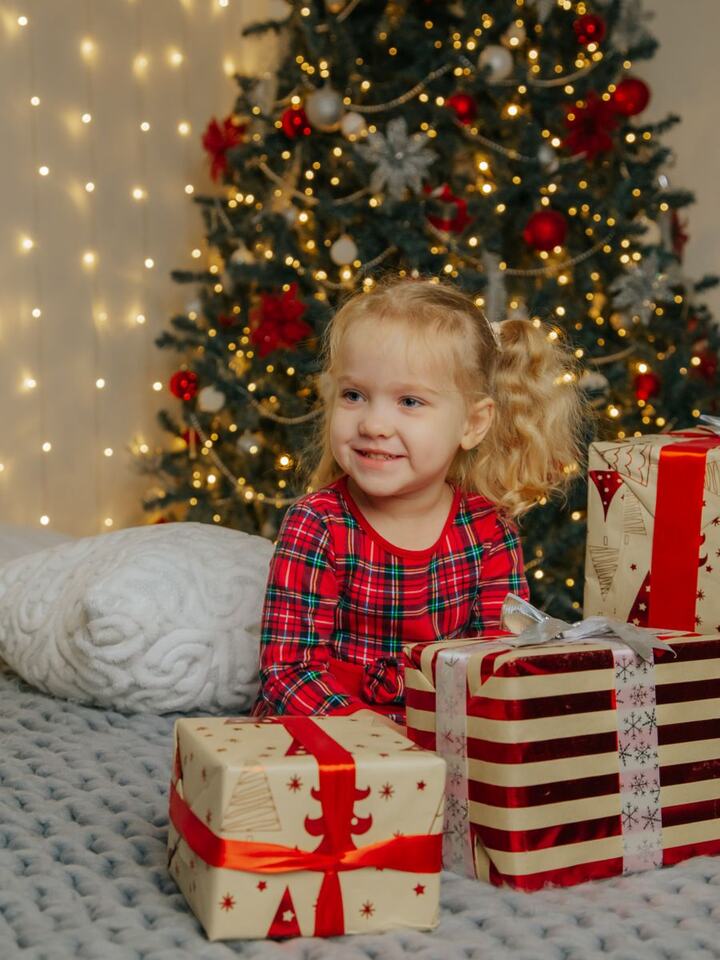
Type your child's name and a few details, add their photo, and get a 30-second video message from Santa Claus. Santa sits beside your child's photo in a big gold frame (on his red sofa by the fire, at his toy workbench or in his sleigh under the northern lights) and talks to them by name: what he saw them do this year, what the elves are busy with and a reminder to go to bed early on Christmas Eve. Ready in a few minutes; $9.90 buys one, paid once.
- 1 photo
- 28s
- 16:9 MP4
- With music
- 720p
- Ready in minutes
- 35 credits
Why not free? Every video costs us real compute, so you pay first. If it fails, the credits come back on their own. No subscription, and your photos are deleted within 24 hours.
Trending effects
 AI Dance Generator
 AI Dance
 AI Kiss
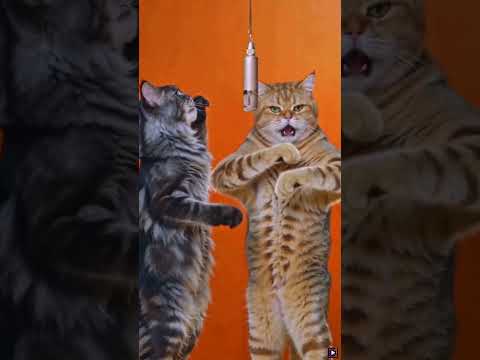
 AI Cat Dance
 Hotel Lobby AI
 Tiny Desk AI
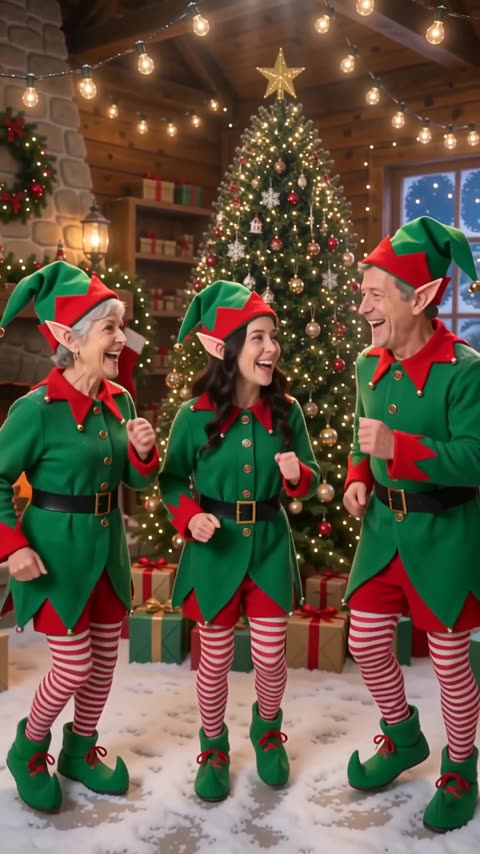 AI Elf Dance
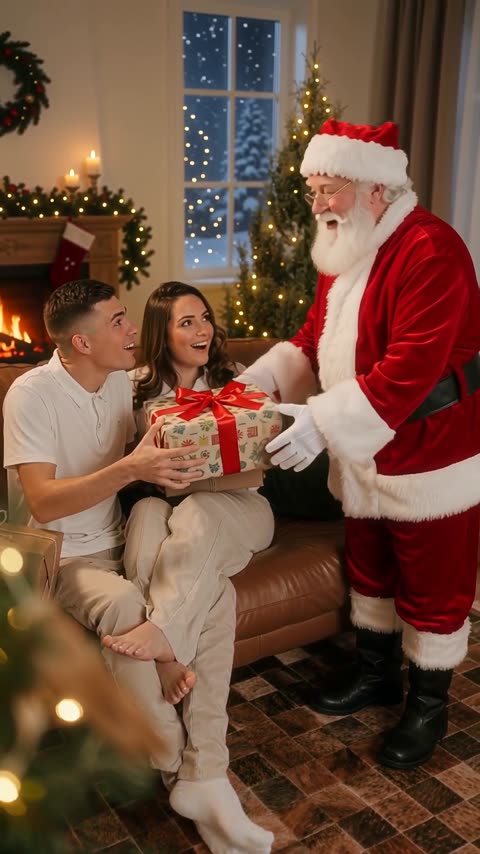 AI Santa Video
 Photo With Santa
 AI Christmas Photo
 AI Thanksgiving Photo
 Couple Christmas Photo
 Day of the Dead
 Dog Christmas Photo
 AI Christmas Video
 Halloween Costume
 Santa Caught on Camera
 AI Hug
 Elf on the Shelf Video
 Photo to Video
 Talking Elf
 AI Muscle
 Wan 3.0
 Catwalk
 Seedance 2.5
 Dramatic Zoom
Examples made with this effect
How to make your Video From Santa video
Add your photo
A clear, well-lit photo with the whole body in view works best: people, pets or things. It is used only to check it and make your video, then deleted after a day.
Pay once
Pick a pack and pay with card, Apple Pay or Google Pay through Stripe. No subscription, no free tier to wait through.
Download your video
About 28 seconds of lip-synced video, ready to post. If it fails, your credits come back.
Every December parents look for a way to make the magic feel real: a message from Santa that knows their child’s name. This makes one from a single photo. Type your child’s name and a few things they did this year, and Santa Claus records a 30-second video message just for them, beside your child’s photo in a big gold frame: on his red sofa by the fire, at his toy workbench or in his sleigh under the northern lights. You pick the scene.
Santa greets your child by name with a warm “ho ho ho”, tells them he has been watching and is proud of them, mentions what you typed (the bike they learned to ride, the new baby brother, the puppy they hope for), says the elves and the reindeer are getting ready, and reminds them to be kind and go to bed early on Christmas Eve.
What you get
- A 30-second widescreen video with Santa’s own voice, his lips in sync with every word.
- Your child’s name, said out loud, and the details you typed.
- Your child’s photo, large, in a gold frame beside Santa, in the scene you pick: his fireside sofa, his toy workshop or his sleigh under the northern lights.
- Your child’s name written in gold: the video opens with “Dear Emma,” and ends with a snowy “Merry Christmas, Emma!” signed “Love, Santa”.
- Jingle Bells playing softly under Santa’s voice.
- An MP4 to play on the TV on Christmas Eve, or to send to the family chat.
Tips for a better message
- Keep the details short and real: an age, one thing they did well this year and one thing they love.
- For siblings, type all the names and use a photo of the kids together.
- Pick a photo where the faces are clear and well lit; a portrait (upright) photo fills the frame best.
Want Santa in your own living room too? Make an AI Santa video from a family photo, or a Santa caught on camera clip that looks like your home security camera caught him on Christmas Eve.
FAQ
What is a personalized video from Santa?
A 30-second video message where Santa Claus talks to your child by name. You type the name and a few details, add a photo, and Santa sits beside the photo in a big gold frame (on his fireside sofa, at his toy workbench or in his sleigh, you pick) and tells your child what he saw them do this year.
What should I type?
Your child's name in its own box (for siblings, both names: "Lucas and Mia"), then one to three details, up to 120 characters, for example "6, learned to ride her bike, loves horses, wants a puppy". The name is written on the opening and closing cards too, so check the spelling. Santa uses only what you type; he never makes up a last name, a school or a promise of a particular present.
Which photo works best?
A sharp, well-lit photo of your child (or the kids together, up to four faces) looking at the camera. It fills the big gold frame next to Santa, so a cheerful photo by the tree works great.
How long is the video?
About 30 seconds, in widescreen 16:9 so it looks good on a TV or tablet. You can download it as an MP4 and play it on Christmas Eve or send it to grandparents.
How much does it cost?
One video uses 35 credits. Credits are bought once: $4.99 for 24, $9.90 for 50, $19.90 for 105 or $49 for 270. No subscription and no automatic renewal. If the video fails, the credits go back to your balance automatically.
Is there a free personalized video from Santa?
Not here. Free Santa messages usually reuse a fixed script with a few blanks, or add a watermark or ads. Each of our videos is made for your child: Santa's voice says the name and your details, his lips move with every word and your child's photo sits beside him. One video uses 35 credits; $9.90 buys 50, paid once, and the credits come back if it fails.
How do I get a video from Santa with my child's name?
Type the name in its own box, add one to three details and a photo, pick a scene and press the button. Santa says the name out loud, and it is also written in gold on the opening and closing cards. Check the spelling first: Santa reads it exactly as typed.
What makes a good personalized video from Santa?
Three things: Santa says the child's real name, he mentions something only the family would know, and the child can see themselves in the video. Ours does all three in about 30 seconds, in widescreen for the TV on Christmas Eve.
Is it safe to upload my child's photo?
Your photo is only used to make your video and is deleted after a day. Your video is private to your account until you choose to share it. Photos with anything explicit or violent are refused.
Pricing
24 credits
$4.99
Not enough for one of these videos
50 credits
$9.90
about 1 HD video
$6.93 per video
105 credits
$19.90
about 3 HD videos
$6.63 per video
270 credits
$49.00
about 7 HD videos
$6.35 per video
Paid once through Stripe. No subscription, no free trial. Failed videos give the credits back automatically. Credits do not expire. Refund policy
Prices include VAT where it applies; the price you see is what you pay.
Photo rules
Use photos of yourself, of public figures, or of people who agreed. Each effect uses our fixed prompt, so nobody can be made to say or do anything else. We reject photos of anyone who looks under 18, and explicit or violent photos, before you pay, and we never accept uploaded videos. Every result is AI-generated. Content policy