
Wan 3.0 Video Generator
Try the Wan 3.0 image-to-video model without a GPU, an API key or any setup. Upload one photo of yourself and Wan 3.0 animates it into a 5-second, 720p vertical clip with natural movement. It takes a few minutes, $4.99 buys two HD videos, paid once, and you download a plain MP4.
- 1 photo
- 5s
- 9:16 MP4
- With sound
- 480p / 720p
- Ready in minutes
- 10 credits
Why not free? Every video costs us real compute, so you pay first. If it fails, the credits come back on their own. No subscription, and your photos are deleted within 24 hours.
Trending effects
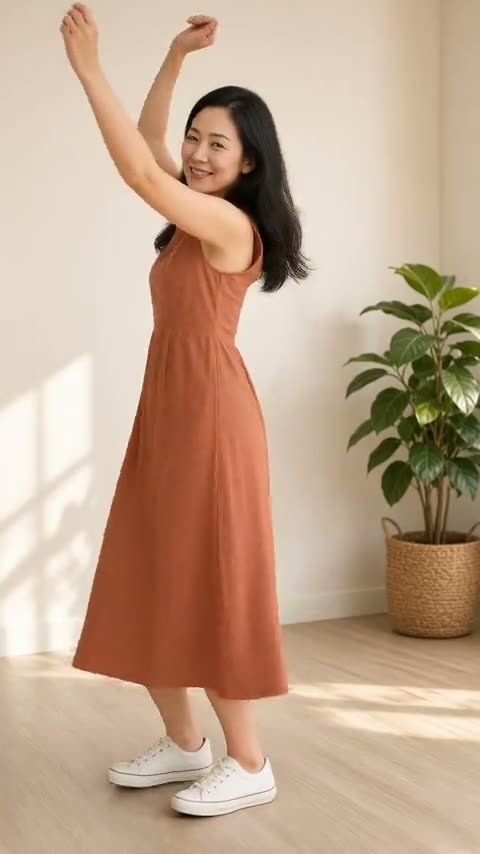 AI Dance Generator
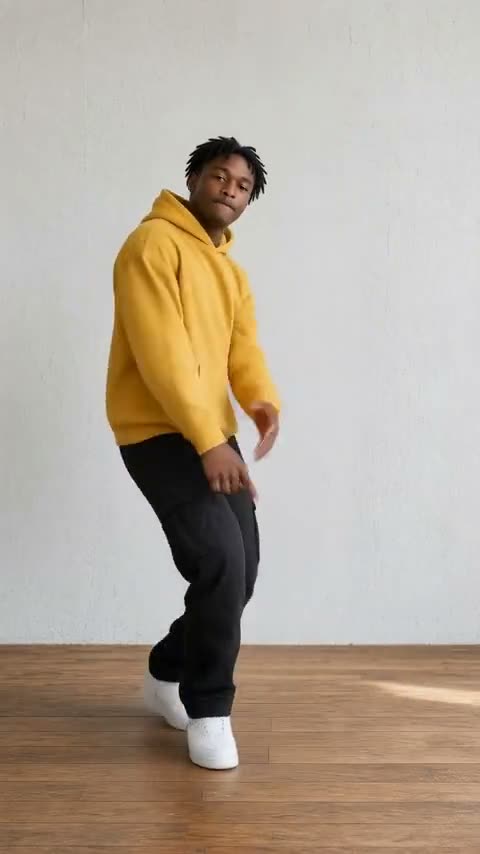 AI Dance
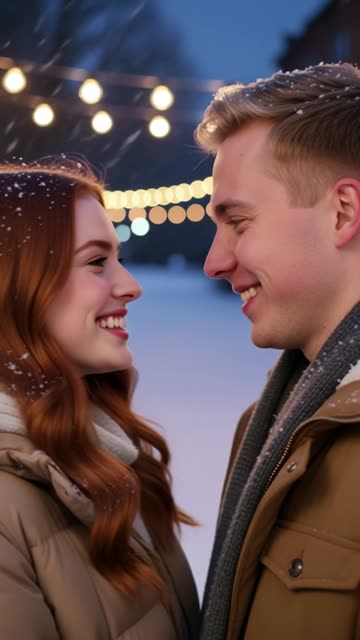 AI Kiss
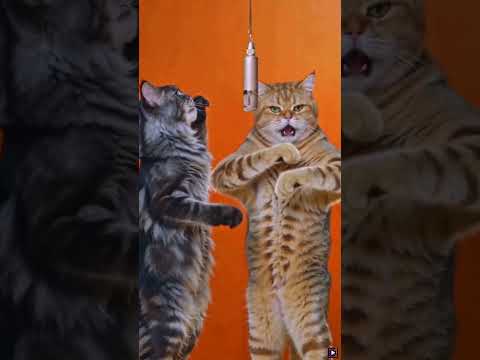
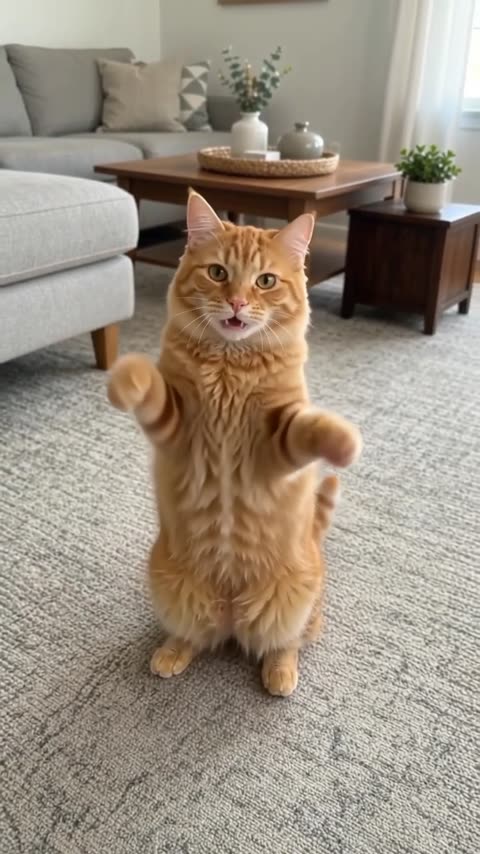 AI Cat Dance
 Hotel Lobby AI
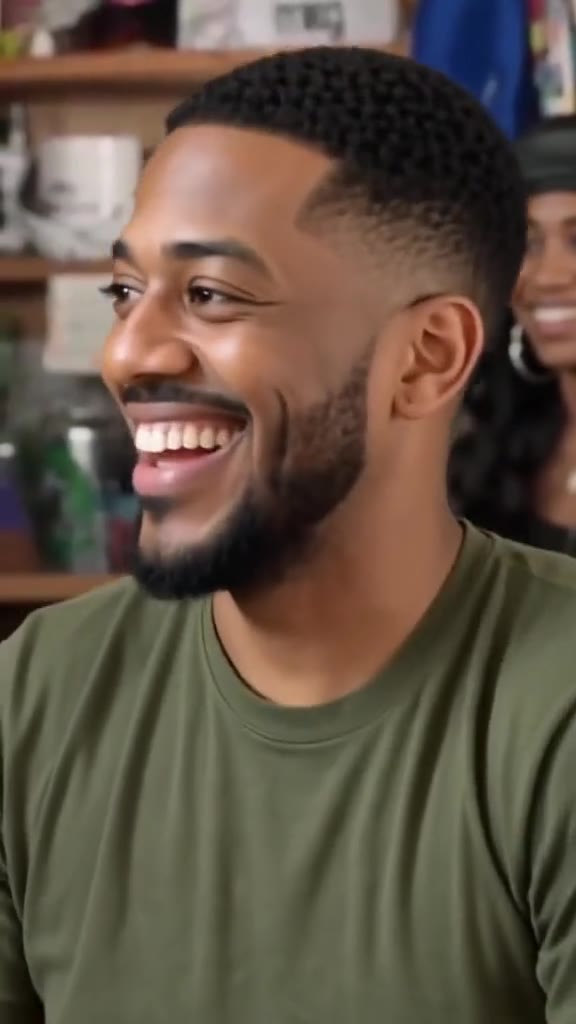 Tiny Desk AI
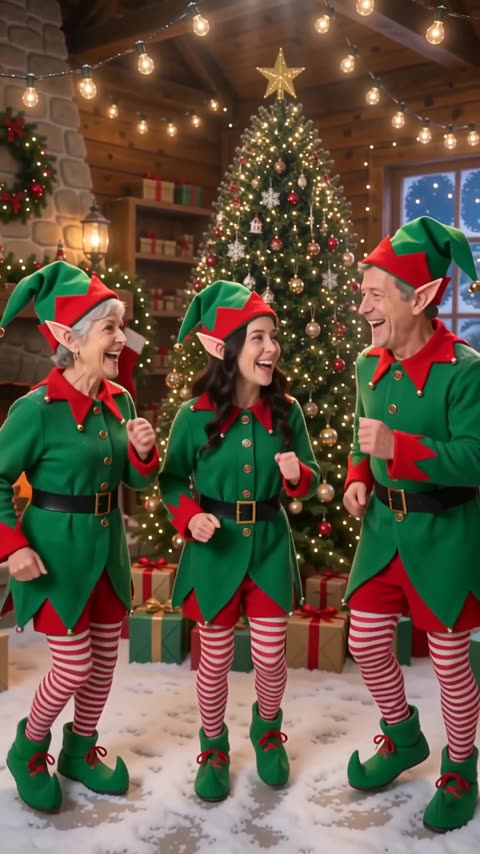 AI Elf Dance
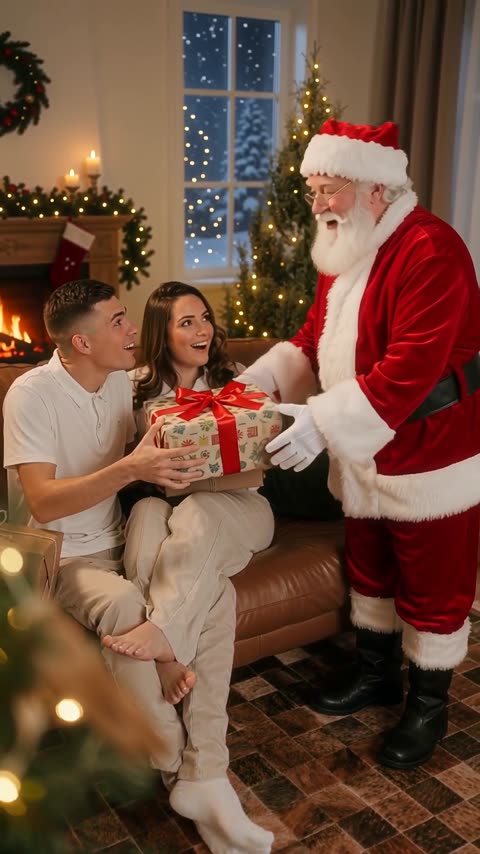 AI Santa Video
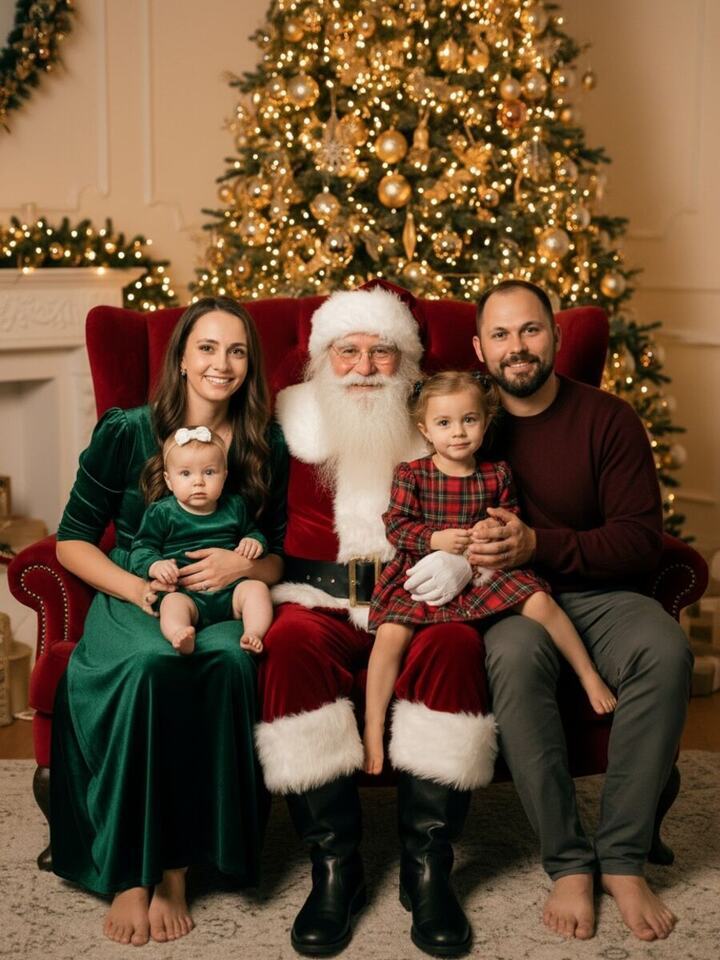 Photo With Santa
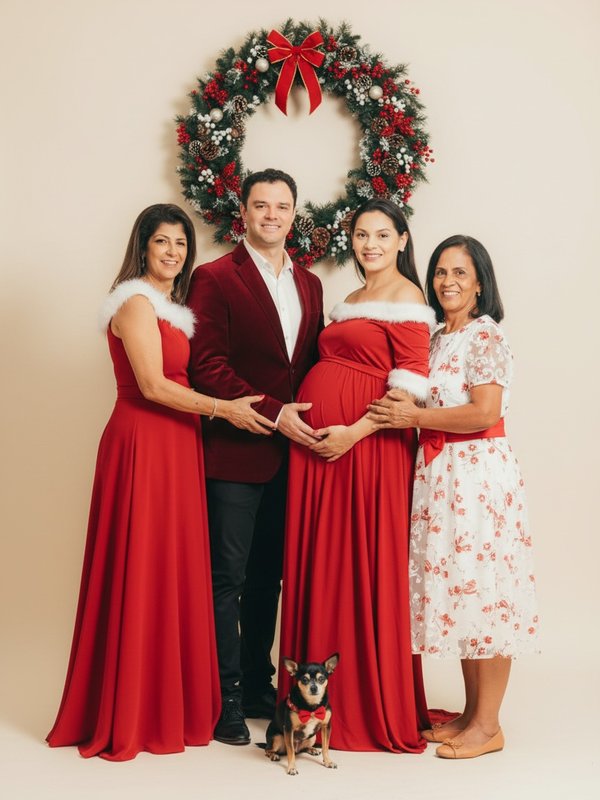 AI Christmas Photo
 AI Thanksgiving Photo
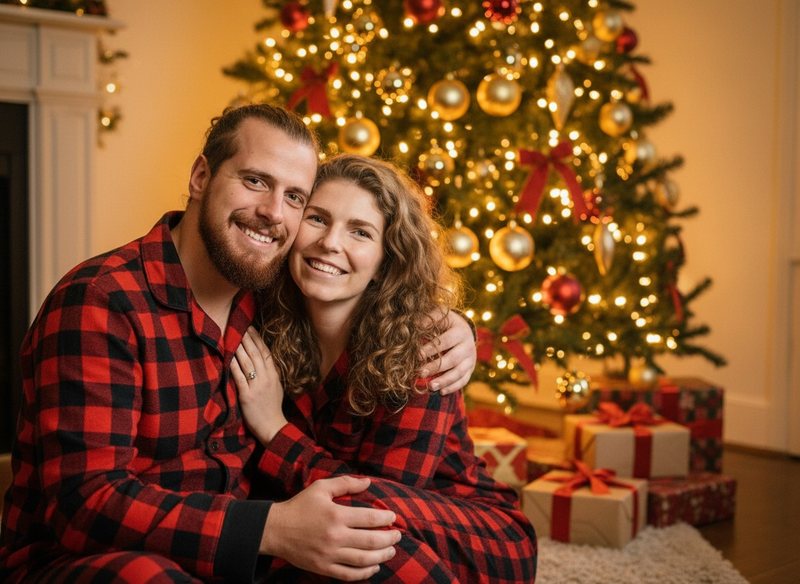 Couple Christmas Photo
 Day of the Dead
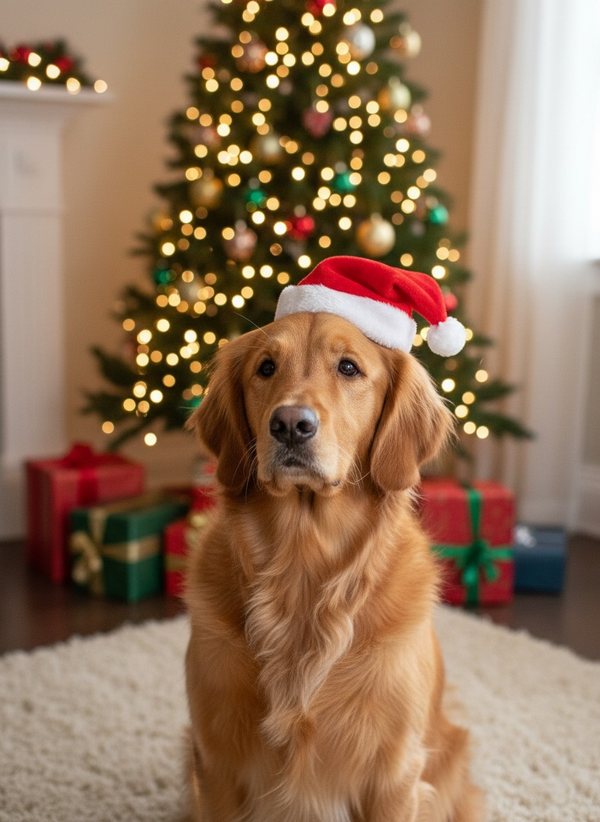 Dog Christmas Photo
 Video From Santa
 AI Christmas Video
 Halloween Costume
 Santa Caught on Camera
 AI Hug
 Elf on the Shelf Video
 Photo to Video
 Talking Elf
 AI Muscle
 Catwalk
 Seedance 2.5
 Dramatic Zoom
What this effect looks like
These clips are stock footage from Pexels, shown for the look. They were not made on MemeVid; your video is generated from your own photo.
How to make your Wan 3.0 video
Add your photo
A clear, well-lit photo with the face visible works best. It is used only to check it and make your video, then deleted after a day.
Pay once
Pick a pack and pay with card, Apple Pay or Google Pay through Stripe. No subscription, no free tier to wait through.
Download your video
About 5 seconds of vertical video, ready to post. If it fails, your credits come back.
Wan 3.0 without the setup
Wan 3.0 is one of the newer image-to-video models, and a lot of people searching for it simply want to see what it does with their own photo. Running it yourself means a strong GPU, a model download and a node graph, or an API account with a card on file. This page skips all of that: you upload one photo and we send it to Wan 3.0 on a hosted GPU.
We wrote one prompt for this page that shows off what the model is good at: small, believable movement. The person turns slightly toward the camera, smiles, and the camera drifts in. Faces and clothes stay close to the photo, which is where many older models fell apart.
If you want a specific meme instead of a natural clip, pick one of the effect pages in the menu. Most of them run on Wan 3.0 too, each with its own scene and motion.
Tips for a better result
- Use a photo with the whole face visible and good light.
- One person per photo works best.
- Portrait photos give the best vertical video.
- Plain backgrounds animate more cleanly than busy ones.
FAQ
What is Wan 3.0?
Wan is a family of AI video models from Alibaba. Wan 3.0 can turn a still image into a short video clip with realistic motion. On this page it runs for you in the cloud, so you only upload a photo.
Do I need my own GPU or API key?
No. We run the model on hosted GPUs and pay the provider for each clip. You only pay us once for credits.
How much does it cost?
Videos use credits you buy once: $4.99 for 24, $9.90 for 50, $19.90 for 105 or $49 for 270. An HD (720p) video uses 10 credits and a quick 480p preview uses 5, so $9.90 makes five HD videos. No subscription and no automatic renewal.
Is there a free trial?
No. Each video costs us real compute, so you pay before it is made. If generation fails, the credits go back to your balance automatically.
What do I get?
A 5-second, 720p vertical MP4 of the person in your photo moving naturally, ready for TikTok, Reels or Shorts. You can download it from this page or from My videos for 30 days.
Can I use a photo of a celebrity or someone else?
Yes for public figures. Celebrities, athletes and politicians are fine, and each effect uses our fixed prompt, so nobody can be made to say or do anything else. For private people, use your own photo or one of someone who agreed. Photos of anyone who looks under 18, and explicit or violent photos, are refused before you pay.
Pricing
24 credits
$4.99
about 2 HD videos
$2.08 per video
50 credits
$9.90
about 5 HD videos
$1.98 per video
105 credits
$19.90
about 10 HD videos
$1.90 per video
270 credits
$49.00
about 27 HD videos
$1.81 per video
Paid once through Stripe. No subscription, no free trial. Failed videos give the credits back automatically. Credits do not expire. Refund policy
Prices include VAT where it applies; the price you see is what you pay.
Photo rules
Use photos of yourself, of public figures, or of people who agreed. Each effect uses our fixed prompt, so nobody can be made to say or do anything else. We reject photos of anyone who looks under 18, and explicit or violent photos, before you pay, and we never accept uploaded videos. Every result is AI-generated. Content policy